If you already live out of Google Calendar, Apple Calendar or Outlook, you can have your TheRVMAP trips show up there too, and keep themselves up to date on their own.
How it works
Turn on calendar sync and you get a private link. Paste that address into any calendar that can subscribe by URL, and your stays appear as events. When your plans change, the events change with them, no re-importing.
On the web
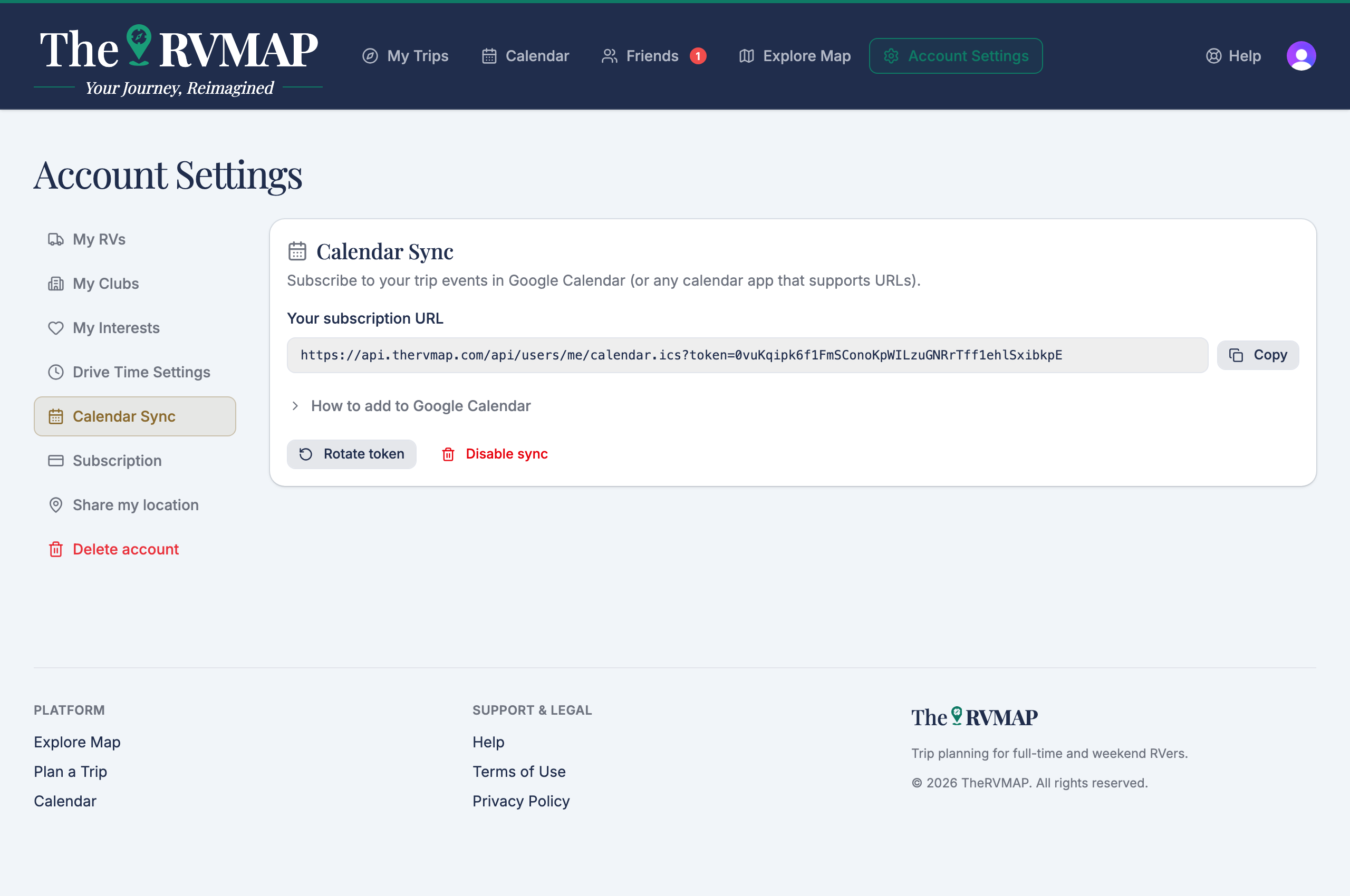
- Open Calendar Sync.
- Choose Enable calendar sync to create your private link.
- Use Copy subscription URL and paste it into your calendar app. The page walks you through Google Calendar step by step; other apps take the same address in their "subscribe by URL" box.
You can also Rotate token if a link should stop working, or Disable sync to switch it off. Rotating breaks the old link, so you will need to paste the new one everywhere you used it. Events already in your calendar do not disappear, they simply stop updating.
Calendar sync is part of a paid plan. During the public beta, that plan is included for everyone.
In the app
Turn sync on, then copy, rotate or disable the link from the calendar sync screen. Syncing works the same way: paste the link into your phone's calendar.
As the app puts it, "Syncing your trips to your phone's calendar requires a Basic subscription or higher." During the public beta, that plan is included for everyone.
Related
- Your trips on the calendar
- Changing dates from the calendar
- Setting nights, arrival and check-in dates
Was this article helpful?
That’s Great!
Thank you for your feedback
Sorry! We couldn't be helpful
Thank you for your feedback
Feedback sent
We appreciate your effort and will try to fix the article