During the public beta, Pro is included for everyone, free, and there is nothing to buy or manage. Pausing is for later, when you are on a paid monthly plan and want to park it between trips.
Pausing costs $1.95 a month and keeps your data and history while you are off the road, so everything is waiting for you when you come back.
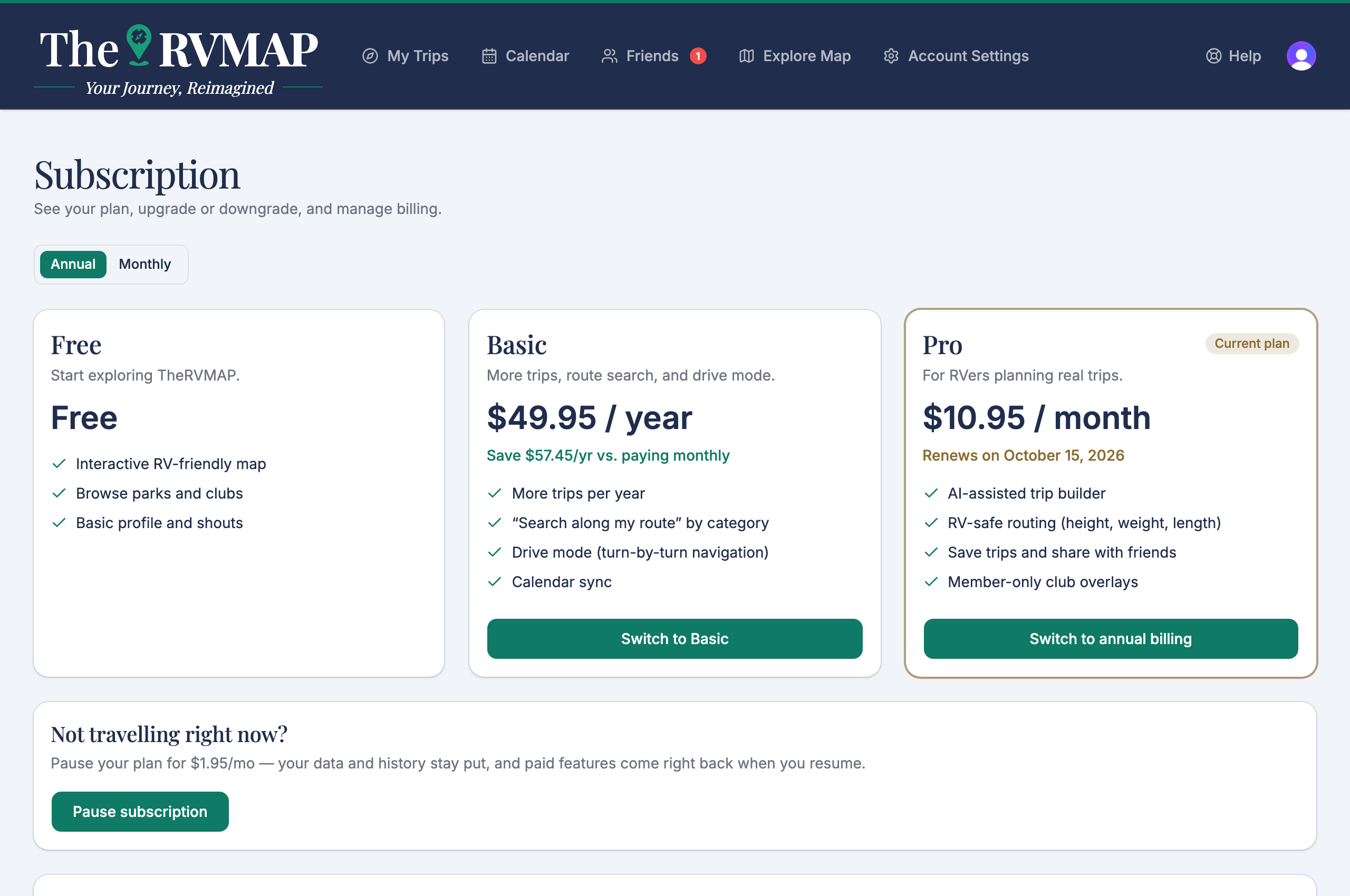
How pausing works
Pausing starts at the end of the month you have already paid for, not the moment you press the button. The month you bought is honoured in full, so nothing changes on the day you pause.
While paused, paid features are unavailable. One thing still works that would not on the Free plan: trips from earlier years stay editable.
You need at least one paid month behind you before you can pause.
Resuming
Resuming charges the full plan price that day and starts a new period. You can resume into a different plan than the one you paused, if your travelling has changed.
Annual plans cannot pause
An annual plan has no pause button, because the year is already paid for. If you are on annual and want to pause, the route is:
- Switch to monthly. This takes effect at the end of your current year.
- Once you are on monthly, pay one month.
- Then pause.
Related
- Switching plans or changing how often you pay
- Cancelling, and what happens to your trips
Was this article helpful?
That’s Great!
Thank you for your feedback
Sorry! We couldn't be helpful
Thank you for your feedback
Feedback sent
We appreciate your effort and will try to fix the article