During the public beta, Pro is included for everyone, free, and there is nothing to buy or manage. This article is for later, once you are paying for a plan.
Where to go
Choose Manage billing. This opens the payment provider's own billing portal, where you can:
- Update your payment method
- Download invoices and receipts
- Cancel your plan
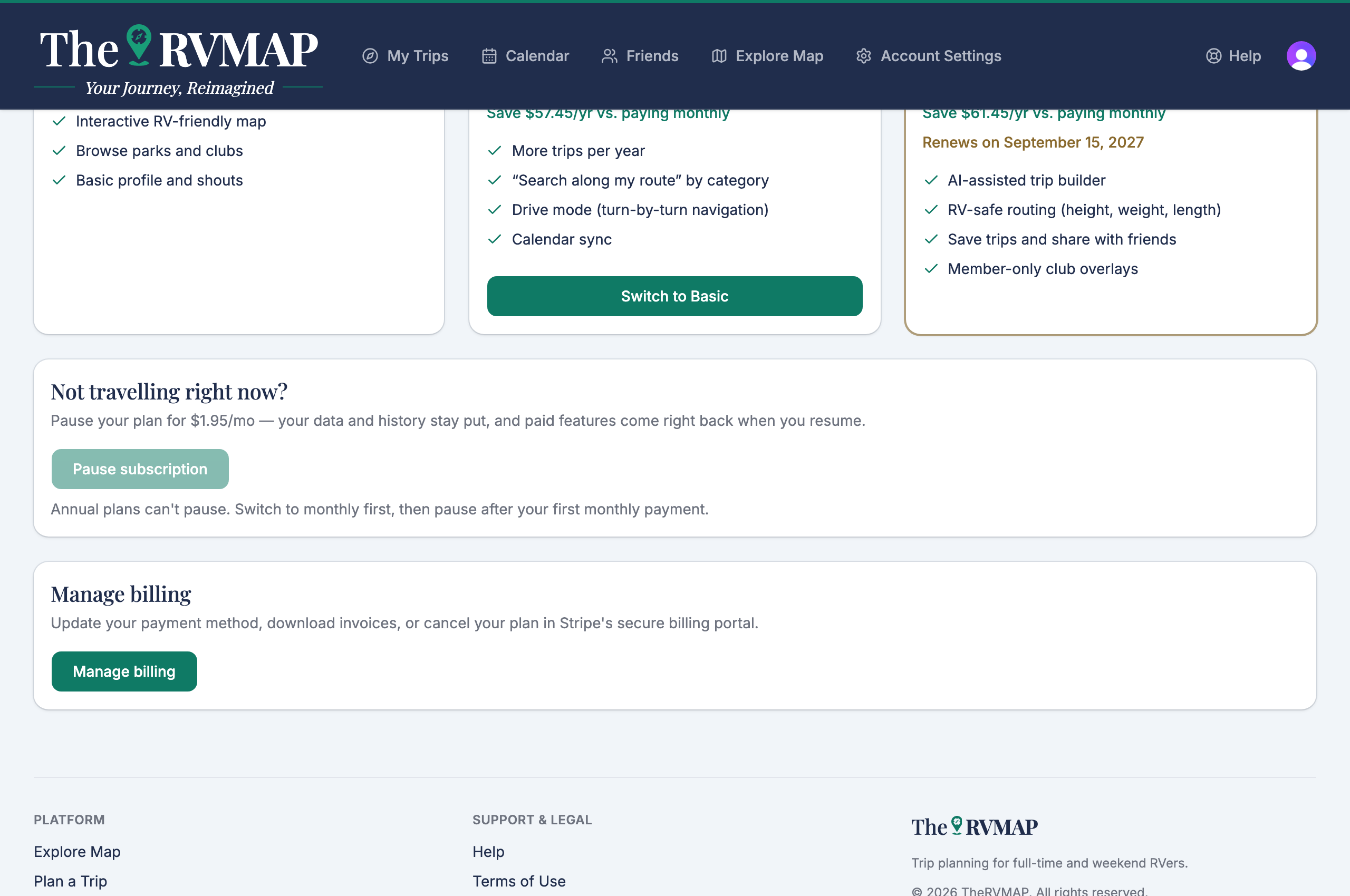
On the phone, Manage billing opens a browser to reach the portal.
What the portal cannot do
The billing portal cannot change your plan. Changing plans, pausing and resuming all happen inside TheRVMAP, not in the portal. If you go looking for those controls in the portal, you will not find them, so head back to TheRVMAP for anything about which plan you are on.
Related
- Subscribing or upgrading
- Switching plans or changing how often you pay
- Cancelling, and what happens to your trips
Was this article helpful?
That’s Great!
Thank you for your feedback
Sorry! We couldn't be helpful
Thank you for your feedback
Feedback sent
We appreciate your effort and will try to fix the article