When nature calls or the tank is low, you can find the next option without leaving guidance. Both searches look only at the road ahead of you on your current route, never behind.
Drive mode is part of the Basic plan or higher; without a subscription you'll see a card that reads "Turn-by-turn RV-safe navigation requires a Basic subscription or higher" with a See plans button. During the public beta, Pro is included for everyone, so drive mode is available.
The quick-picks rail
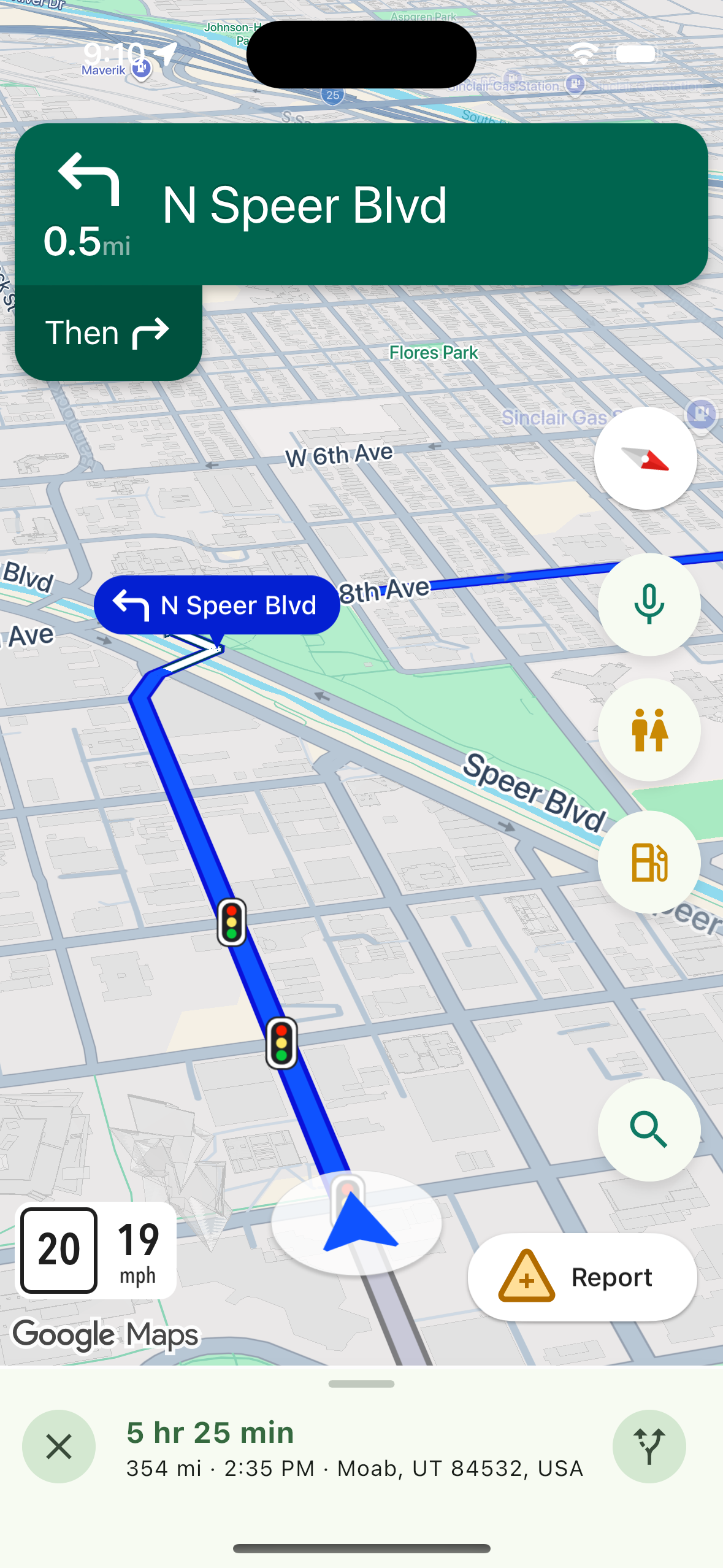
While guidance is running, a rail appears on the right edge of the screen: a microphone on top, then Restrooms ahead and Gas ahead. Gas covers truck stops and travel centres too.
Finding a place
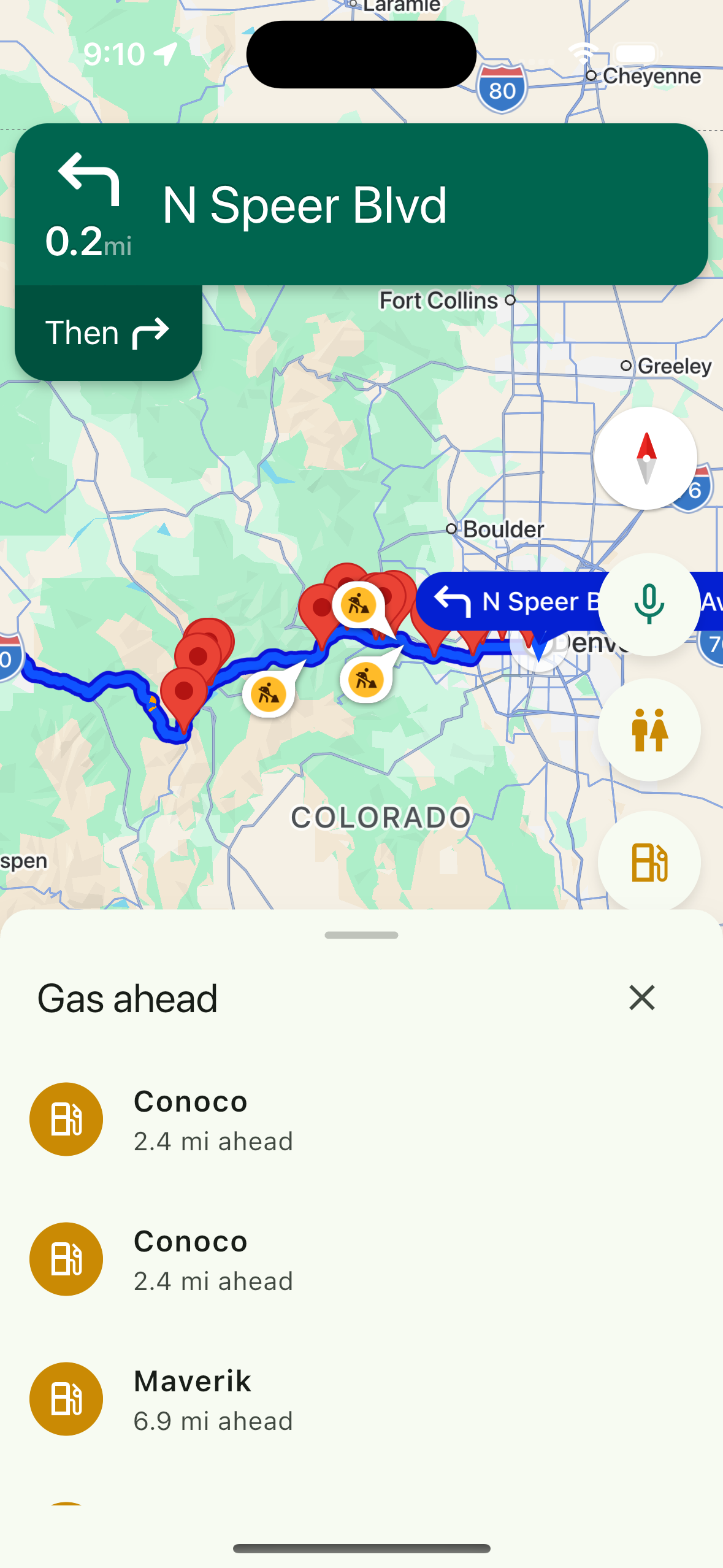
- Tap Restrooms ahead or Gas ahead.
- Results open in a sheet you can drag. The map stays live behind it, so you are never blocked from the road. Each row shows the place and how far ahead it is.
- Tap a result to make it your next stop.
If nothing turns up, you'll see "Nothing found ahead on your route."
Dropping a stop you added
To remove a stop, use the Stop: row in the turns panel and confirm Remove. That is covered in Reading the drive screen.
If something goes wrong
Without a location fix, the app asks for location access first. If a search fails, it says it could not search right now; try again in a moment.
Related
- Adding a stop mid-drive
- Using your voice while driving
- Reading the drive screen
- Starting a drive
Was this article helpful?
That’s Great!
Thank you for your feedback
Sorry! We couldn't be helpful
Thank you for your feedback
Feedback sent
We appreciate your effort and will try to fix the article