Stepped away mid-drive, or the app closed on you? TheRVMAP holds onto the drive so you can pick it right back up.
Drive mode is part of the Basic plan or higher; without a subscription you'll see a card that reads "Turn-by-turn RV-safe navigation requires a Basic subscription or higher" with a See plans button. During the public beta, Pro is included for everyone, so drive mode is available.
When you reopen the app
If a drive is still running when you next open the app, a sheet asks Resume drive?, naming your destination, with Resume and Cancel drive.
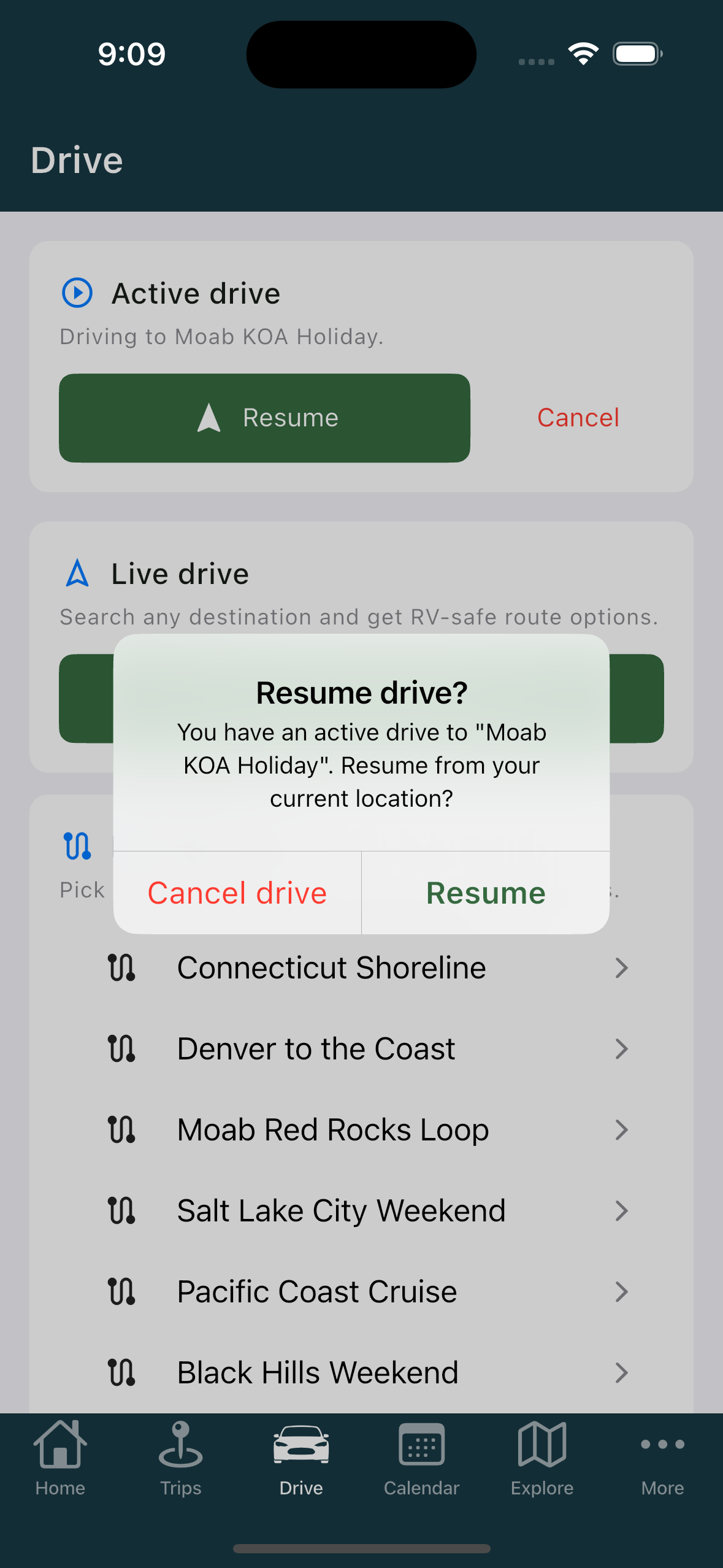
Tap Resume and you go straight back into guidance. It re-plans from where you are now rather than picking up a stale route, so you get sensible turns from your current spot.
The Active drive card
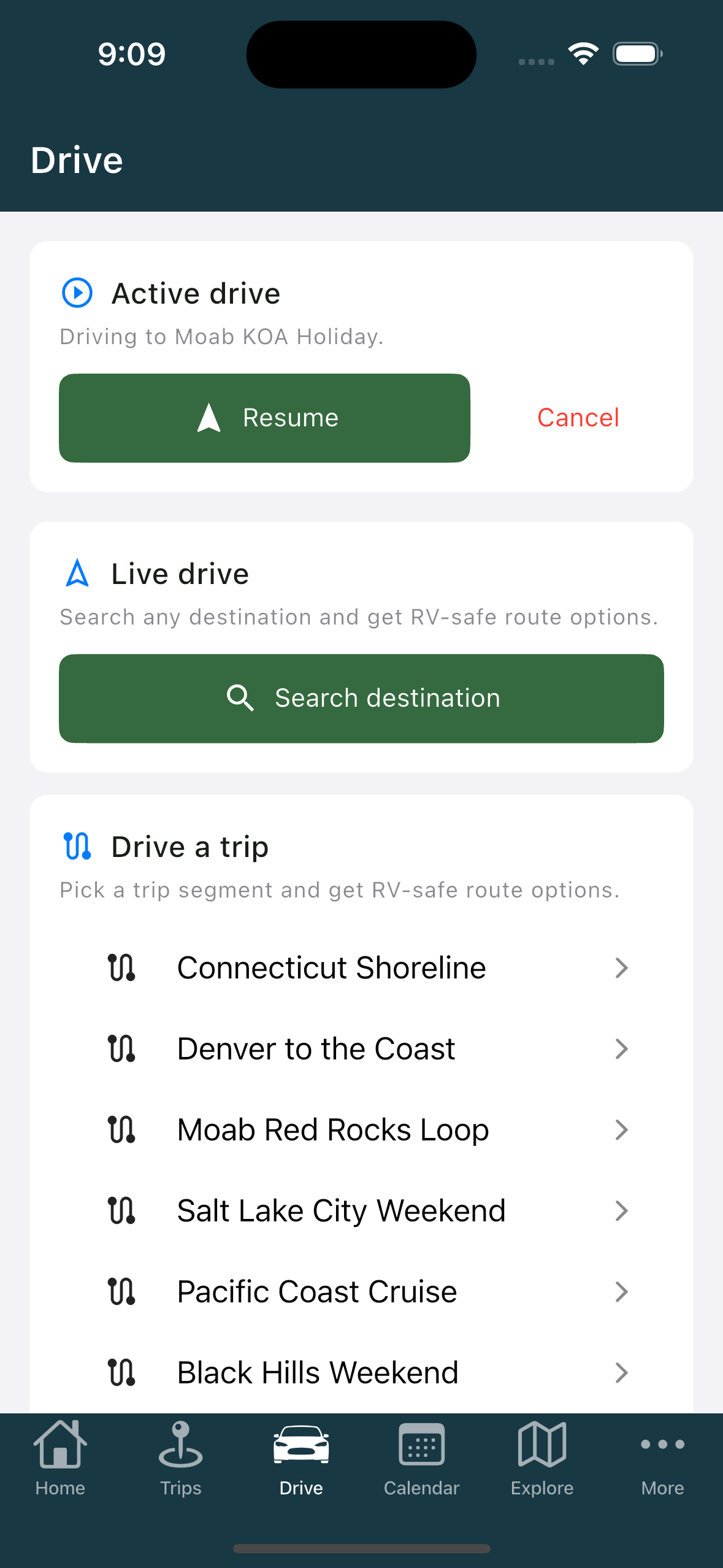
While a drive is running, the Drive tab also shows an Active drive card with Resume and Cancel.
If you tap to cancel, it asks "Cancel drive?" and offers Keep driving or Cancel drive, so a stray tap won't end your trip.
If your location isn't ready
Without a location fix, resuming asks for location access first.
Related
- Starting a drive
- Driving your trip one leg at a time
- Reading the drive screen
- Before your first drive
Was this article helpful?
That’s Great!
Thank you for your feedback
Sorry! We couldn't be helpful
Thank you for your feedback
Feedback sent
We appreciate your effort and will try to fix the article