TheRVMAP is invite-only during the beta. You sign in with the account you create from your invitation email, the first time and every time after.
Before you start
You need your beta invitation email. It carries a personal link that opens your sign-up page. Without that link you cannot create an account during the beta.
Create your account
- Open the link in your invitation email in your web browser.
- Enter your name, the email address you applied with, and a password.
- Once your account is created, you land in TheRVMAP at app.thervmap.com.
Signing in on later visits
Go to app.thervmap.com. There is no separate home page, so you will see the sign-in card headed Sign in to TheRVMAP. Enter your email and password to continue.
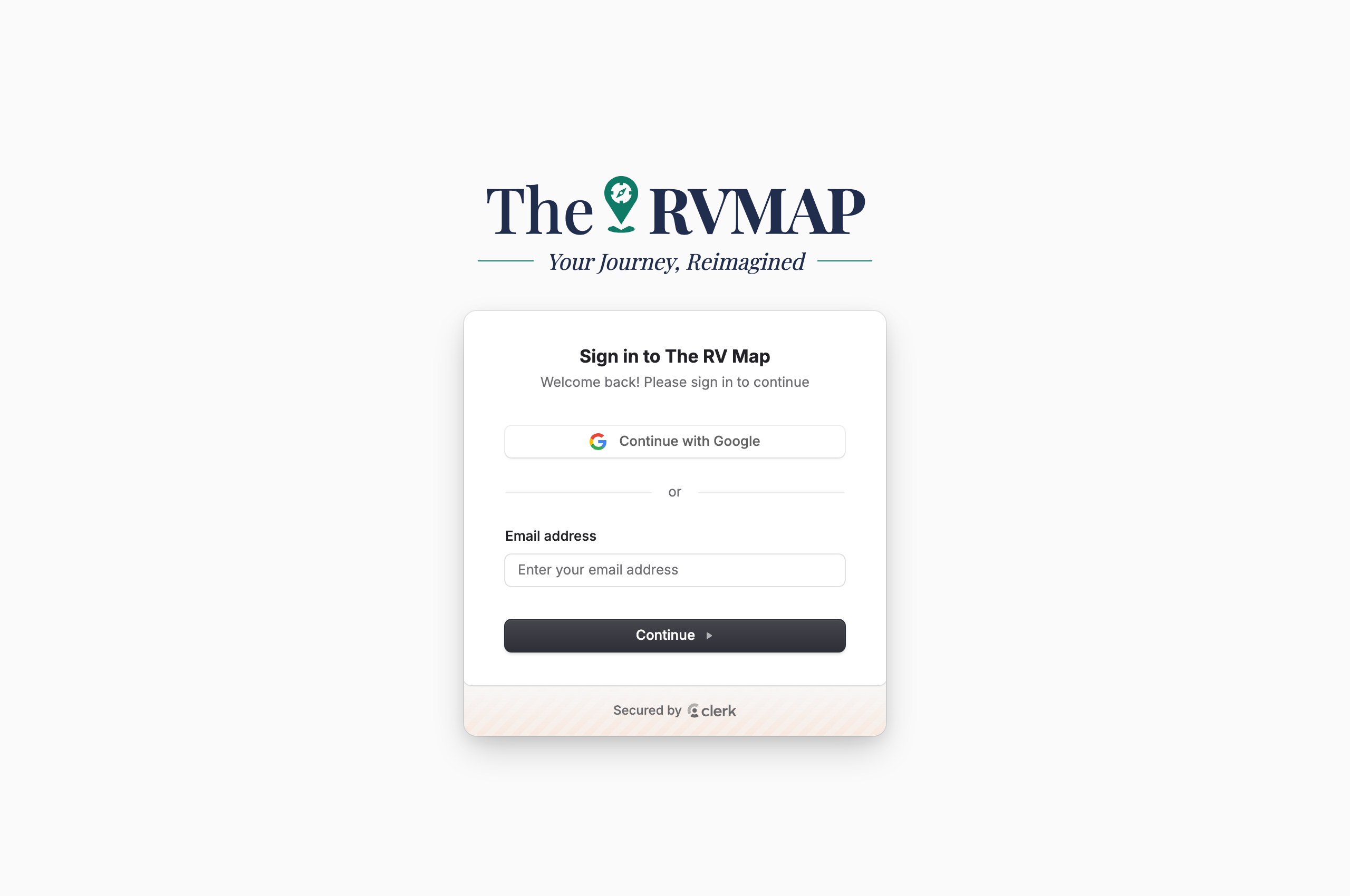
If your screen still says "Sign in to The RV Map", it is the same card; the name is being updated.
If you open a page while signed out
Any page you open while signed out shows this same sign-in card first. After you sign in, TheRVMAP opens the page you originally asked for, so you never have to find your way back.
Bookmark the right page
Bookmark app.thervmap.com, not the sign-up page. A bare visit to the sign-up page during the beta sends you to the beta application form on thervmap.com, not to a sign-in screen.
Signing out
Open the account menu under your avatar in the top right, then choose Sign out.
If something goes wrong
- If you open a plain sign-up link without your invitation, you land on the beta application page instead of a sign-in screen. Open the link from your invitation email.
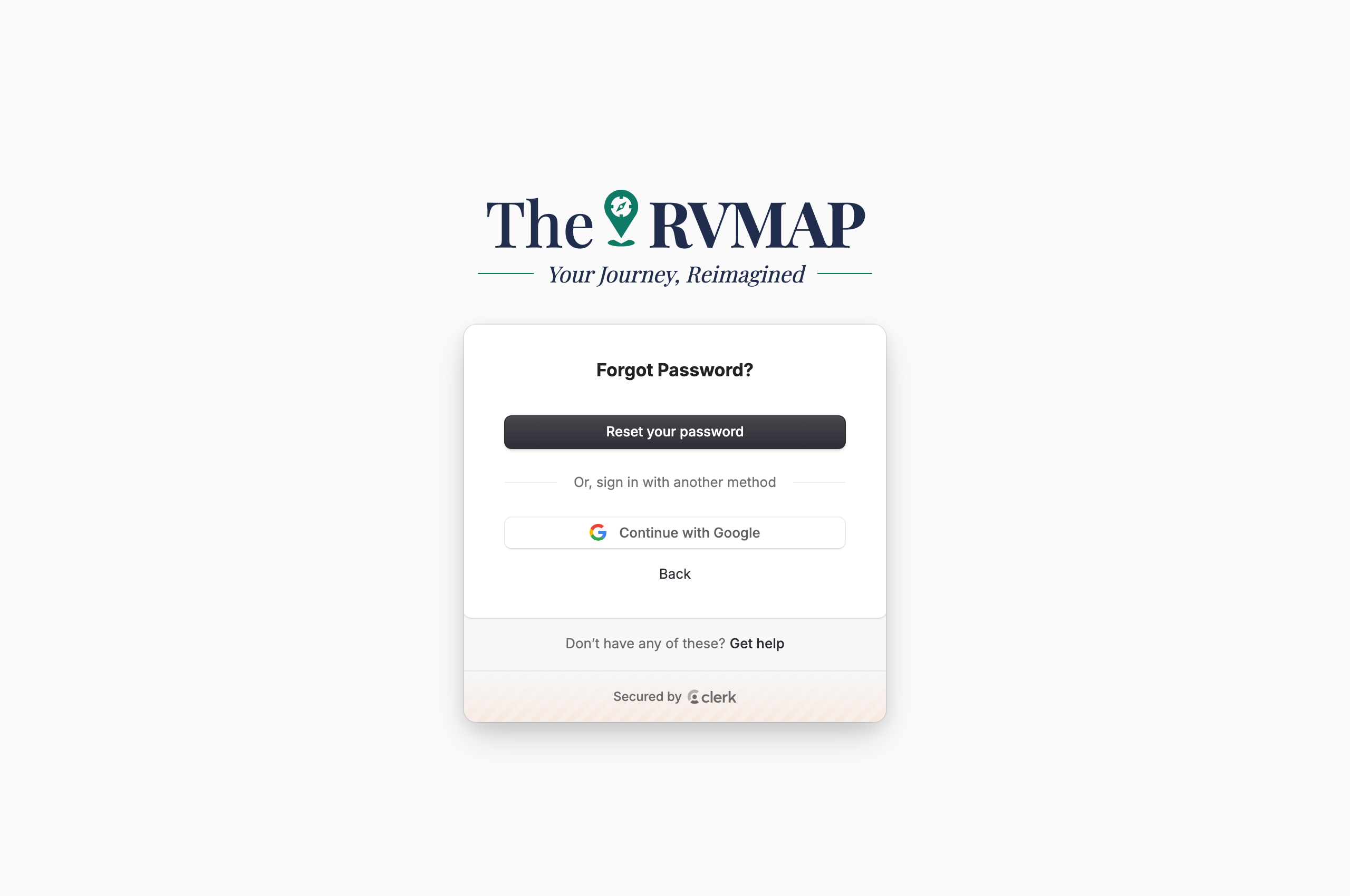
- Forgot your password? Choose the forgot-password option under the password field, and a screen headed Forgot Password? opens. Tap Reset your password, then follow the emailed instructions to choose a new password. Or choose Email code to to sign in right away with a one-time code instead of resetting anything. A Back link returns to the sign-in card, and a Get help link covers anything else.
Pro is included during the beta, so there is no payment step when you sign up.
Related
- Installing the app from your invitation
- A tour of TheRVMAP on the web
- Getting help
Was this article helpful?
That’s Great!
Thank you for your feedback
Sorry! We couldn't be helpful
Thank you for your feedback
Feedback sent
We appreciate your effort and will try to fix the article