TheRVMAP asks for a few permissions as you use it, and only for the reasons below. Here is what each one is for and what happens if you say no.
Location
What it is for: to show where you are on the map and to run turn-by-turn navigation in Drive mode. The "always" or background level keeps navigation running while you drive with the screen off, and, if you opt in, lets you share your live location with friends and groups.
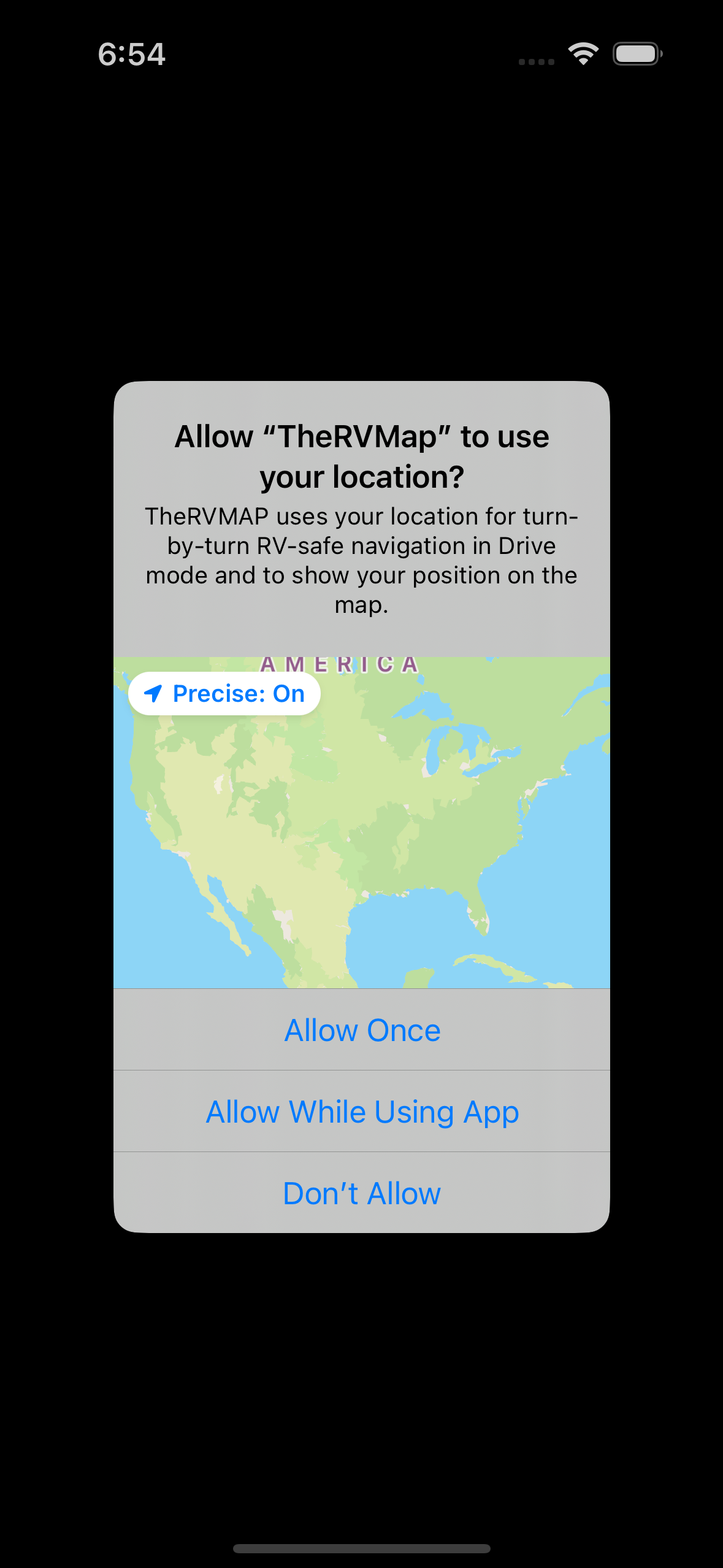
Screenshot to add: Drive mode location permission prompt (Android)
If you say no: Drive mode cannot start, because it needs your location to navigate.
Camera
What it is for: to scan a friend's QR code so you can add each other, and to take a photo to attach to feedback you send us.
If you say no: you can still add friends and send feedback, just not by camera in that moment.
Photos
What it is for: to attach a screenshot or photo to feedback you send us.
If you say no: your feedback sends without an attached image.
Microphone and speech recognition
What it is for: to let you speak hands-free commands like "navigate to" or "find gas ahead" while driving, and turn them into actions.
If you say no: voice commands are unavailable; you can still tap to do the same things.
Notifications (Android 13 and newer)
What it is for: to show the background guidance notice while Drive mode runs. You are asked when a drive starts.
If you say no: that notice is hidden, but voice guidance keeps working.
The Google navigation terms
What it is for: the first time you start Drive mode, a Google terms of service dialog appears for navigation.
If you say no: Drive mode will not start until the terms are accepted.
Related
- A tour of the app: the six tabs
- Signing in on your phone
- Getting help
Was this article helpful?
That’s Great!
Thank you for your feedback
Sorry! We couldn't be helpful
Thank you for your feedback
Feedback sent
We appreciate your effort and will try to fix the article