This is a web setting. It lives on the Drive Time Settings page and shapes how the planner breaks up your days when you plan a trip.
Maximum hours per day
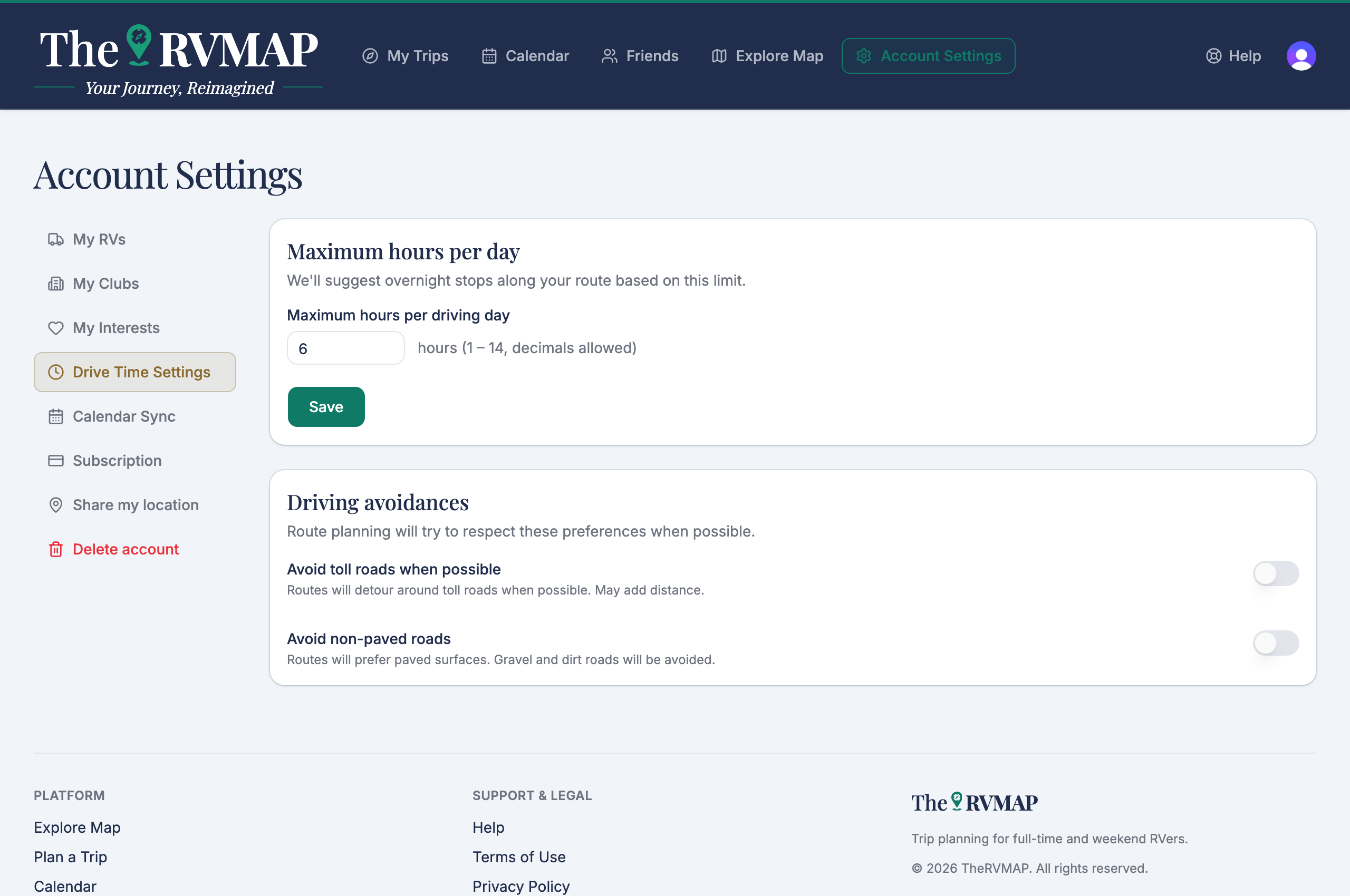
Maximum hours per day is how long you are willing to drive in a single day, from 1 to 14. The planner uses it to decide where to suggest you stop overnight. This field has its own Save button, so set your number and choose Save.
Driving avoidances
Driving avoidances has two switches: avoiding toll roads and avoiding unpaved roads. These behave differently from the hours field: they save the moment you flip them, with no button to press.
So one setting needs saving and the other two do not. It is a small inconsistency, and worth knowing so you are not hunting for a save button that is not there, or wondering whether your hours took.
Related
- Where the planner suggests you sleep, and how to pick the park
- Choosing your interests
Was this article helpful?
That’s Great!
Thank you for your feedback
Sorry! We couldn't be helpful
Thank you for your feedback
Feedback sent
We appreciate your effort and will try to fix the article