When a drive is too long to do in one push, the planner splits it into days using your hours-per-day setting and proposes a place to sleep at each break. These are suggestions to help you pace the trip. They are not real campgrounds yet, just markers on the map showing roughly where a night's stop makes sense.
Turning the suggestions on and off (web)
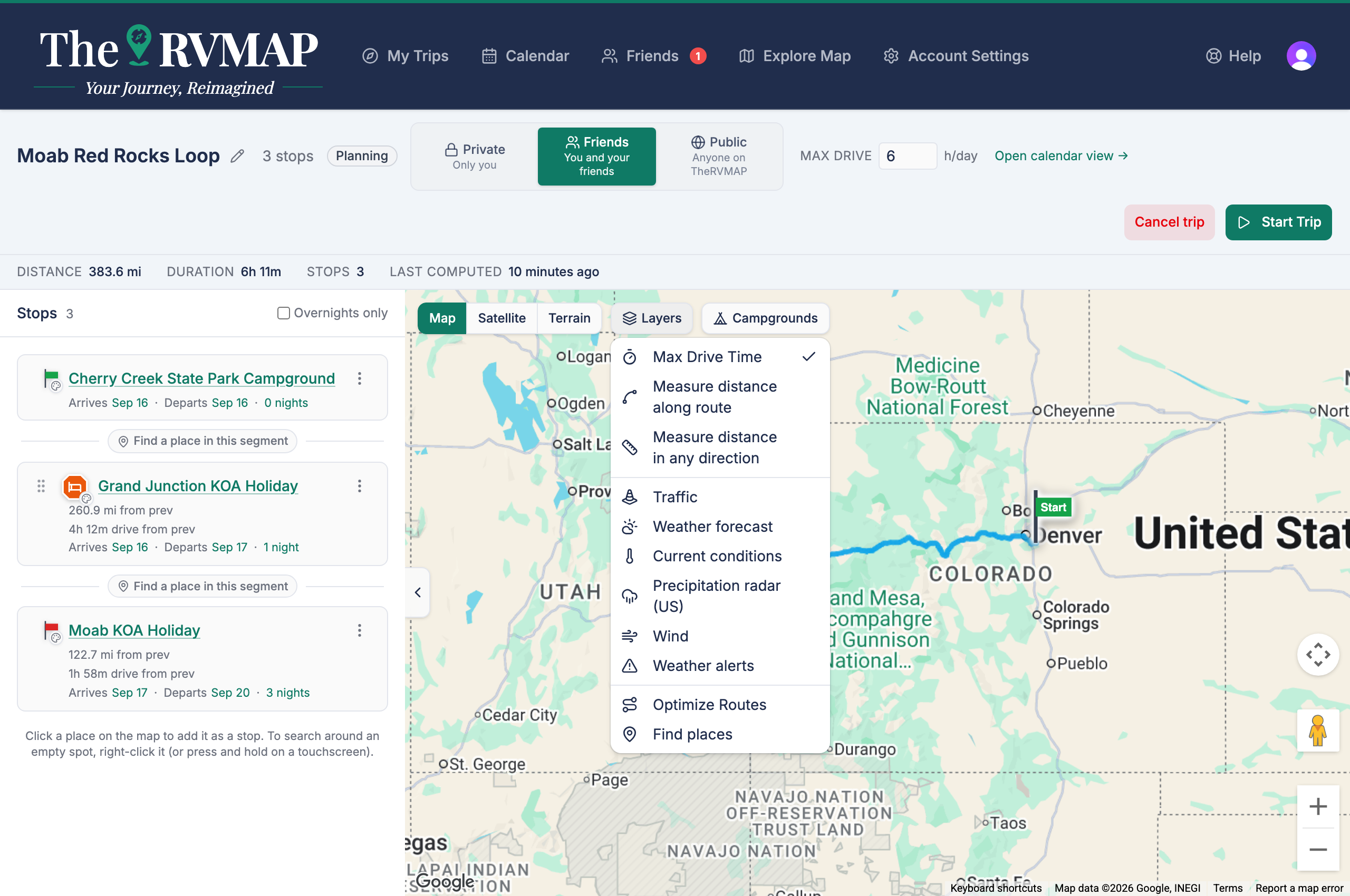
On the web the suggestions are a map layer. Open the Layers control and switch the row on or off (it appears as Max Drive Time). Switch it on to see where the planner would break the drive, off to clear the clutter.
Picking the real park (in the app)
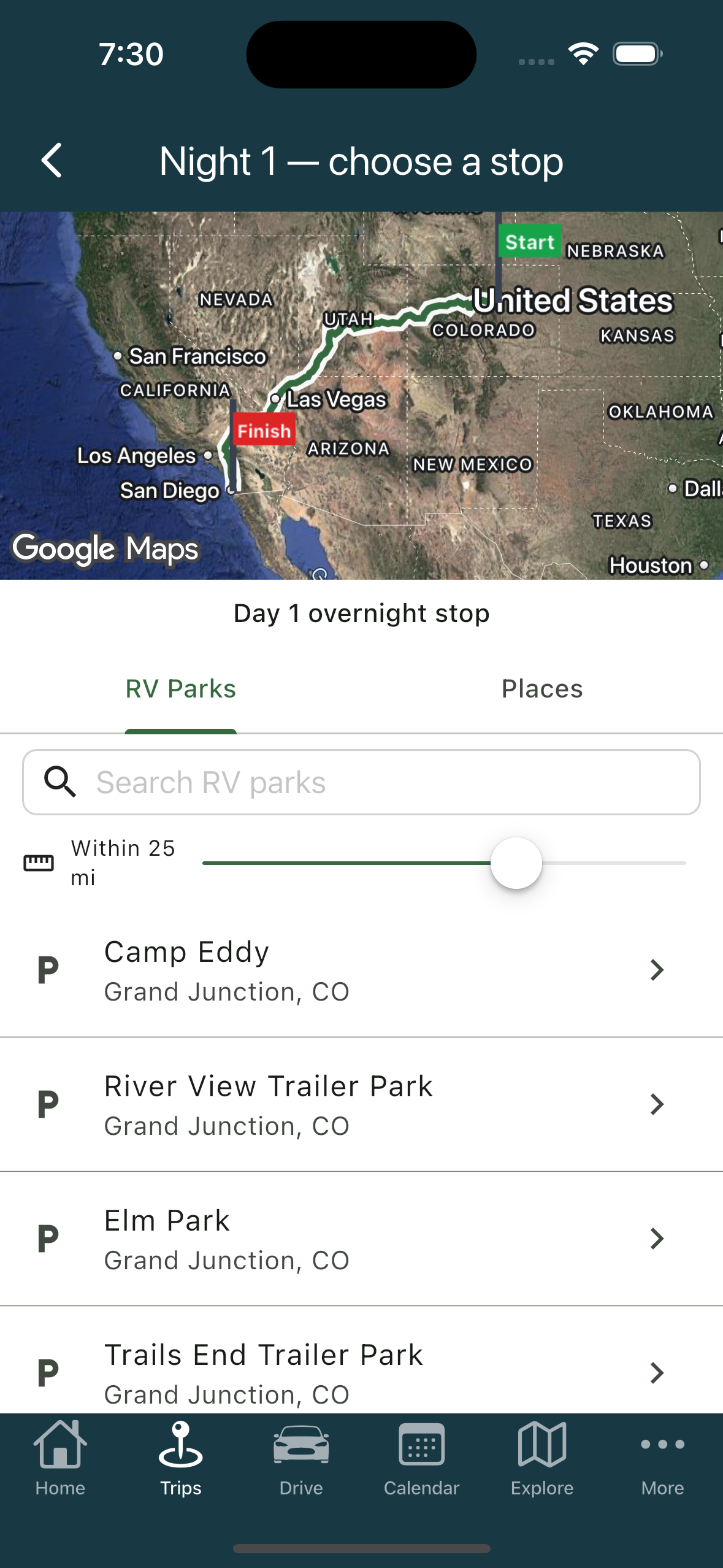
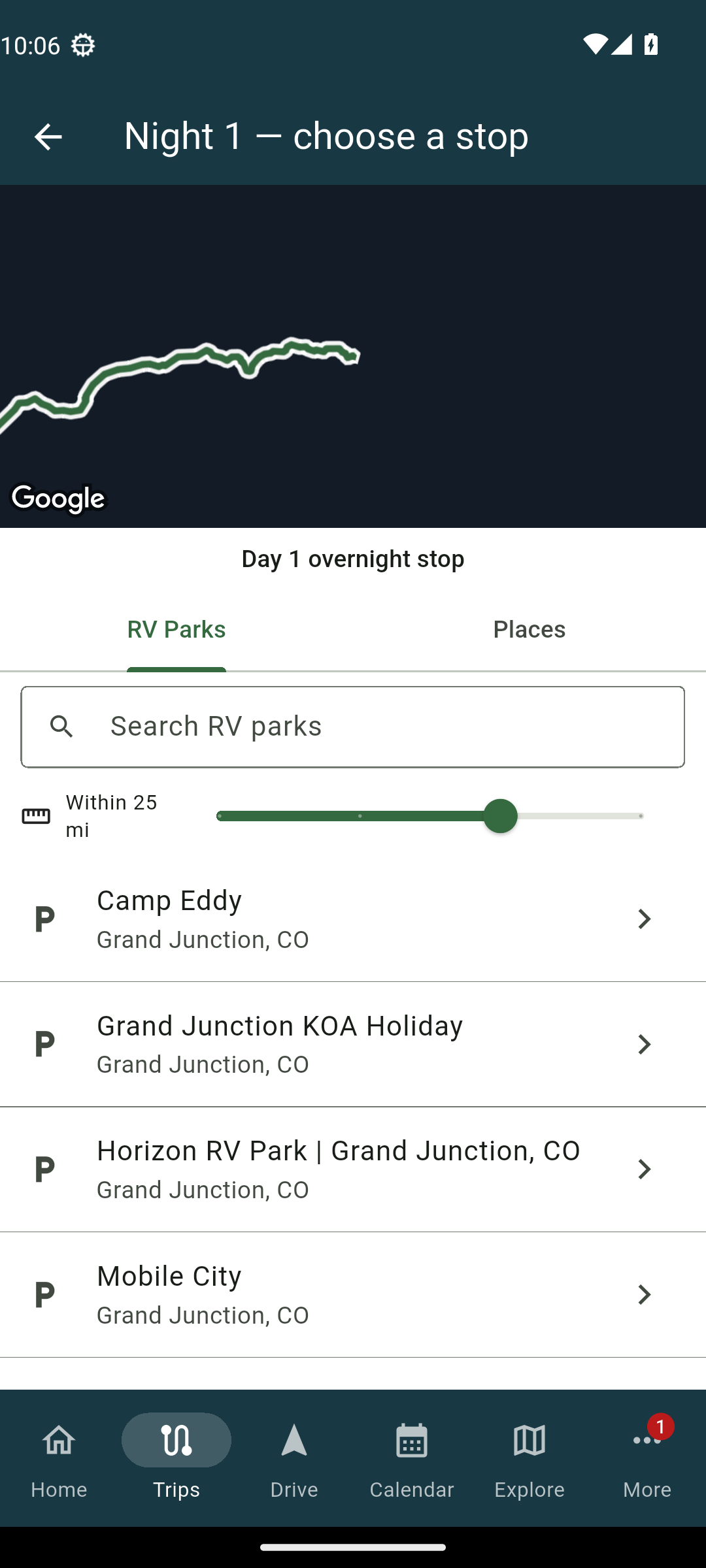
On the phone, tapping a suggestion opens a screen where you choose the actual park or place. Choosing a real park is what turns the suggestion into a stop you can plan around and book. Until you do that, it stays a marker, not a stop you can check into.
What changes when you resolve one
Resolving a suggestion swaps the placeholder for a real place, and from then on it behaves like any other overnight, with its own nights and dates. If you change your hours per day, the planner re-places the remaining suggestions to match your new pace without redoing the whole route.
Related
- Finding campgrounds and places along your route
- Setting nights, arrival and check-in dates
- Adding and arranging stops
- Choosing between route options
Was this article helpful?
That’s Great!
Thank you for your feedback
Sorry! We couldn't be helpful
Thank you for your feedback
Feedback sent
We appreciate your effort and will try to fix the article