A friend's profile lists the trips they have chosen to make visible to you. You can look, but you cannot change anything.
Where to find them
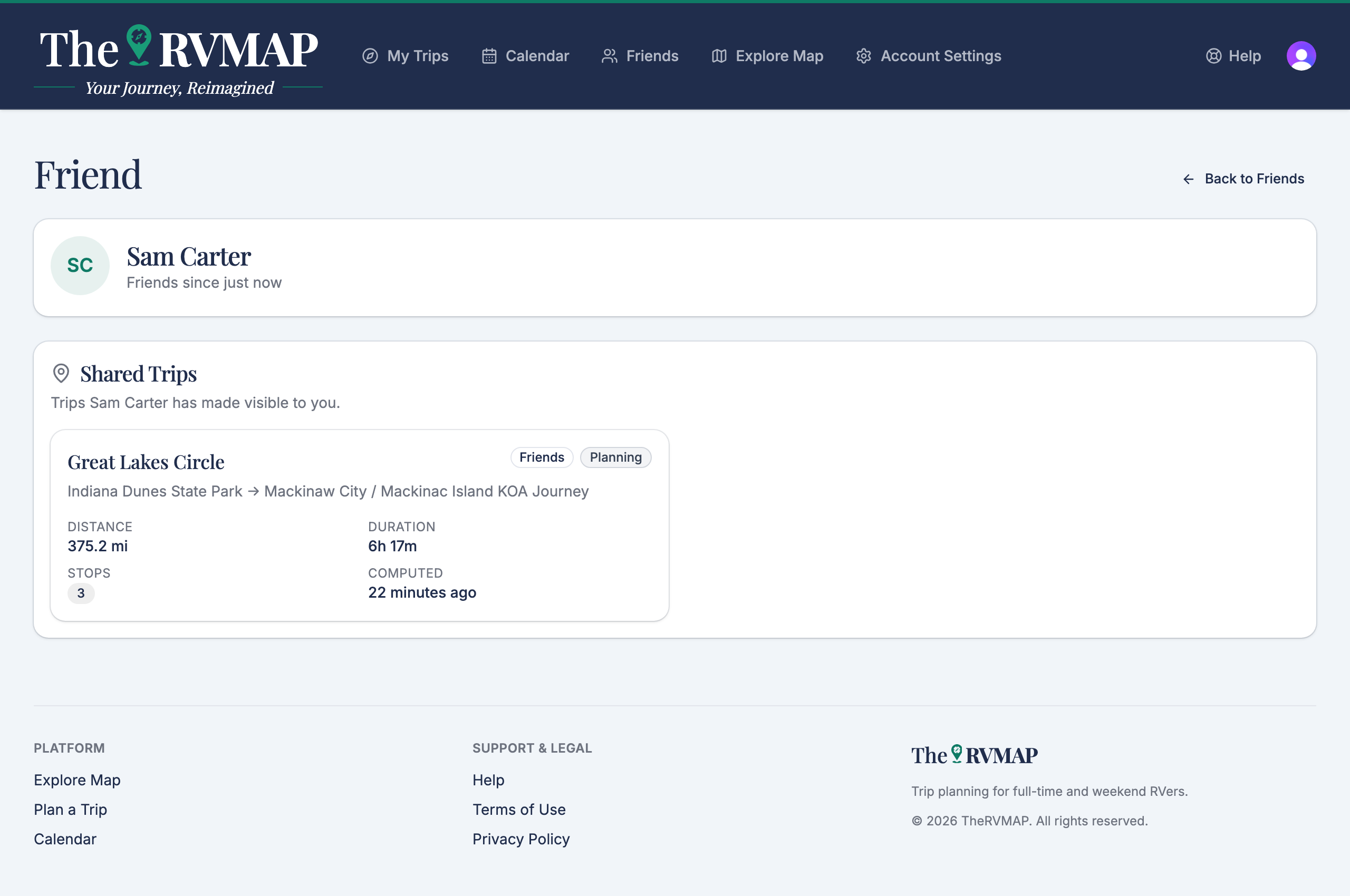
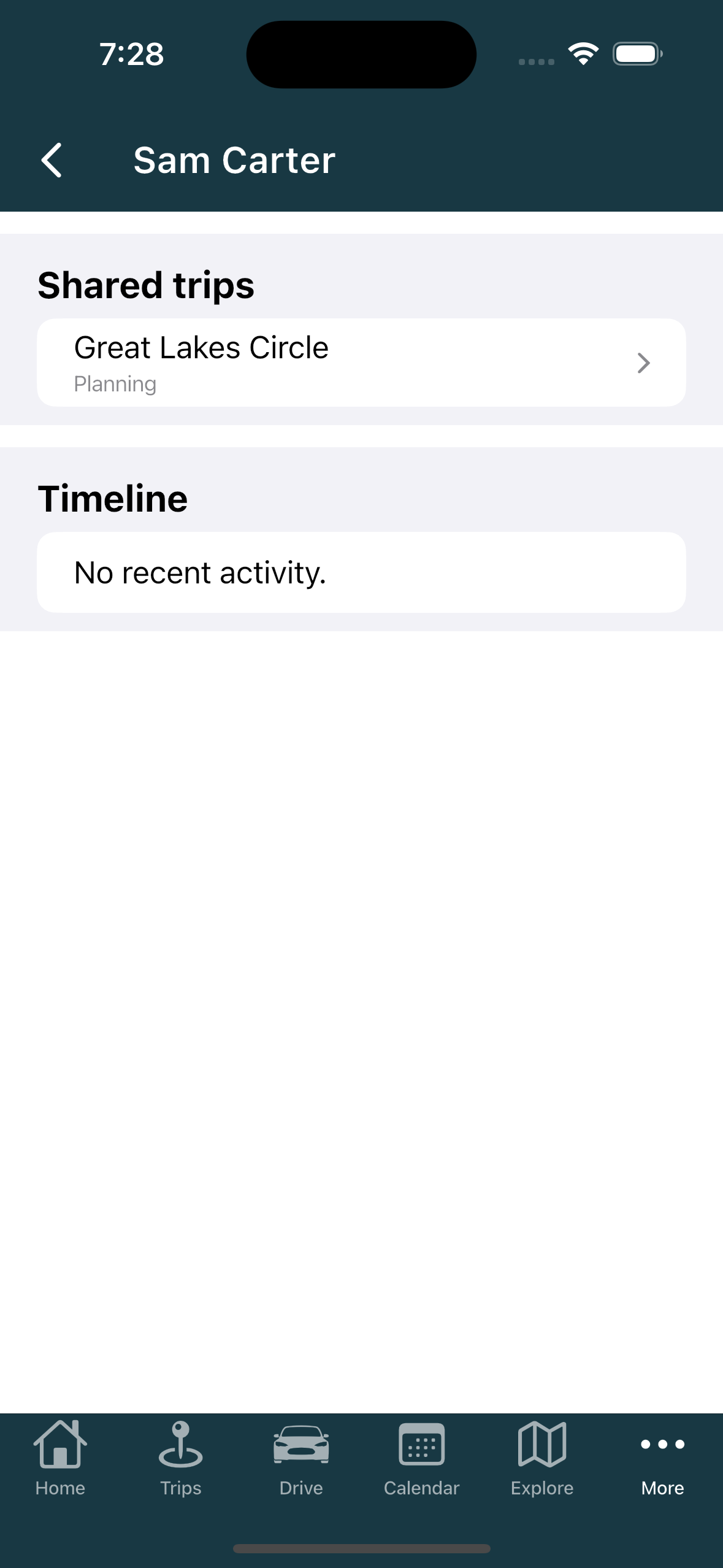
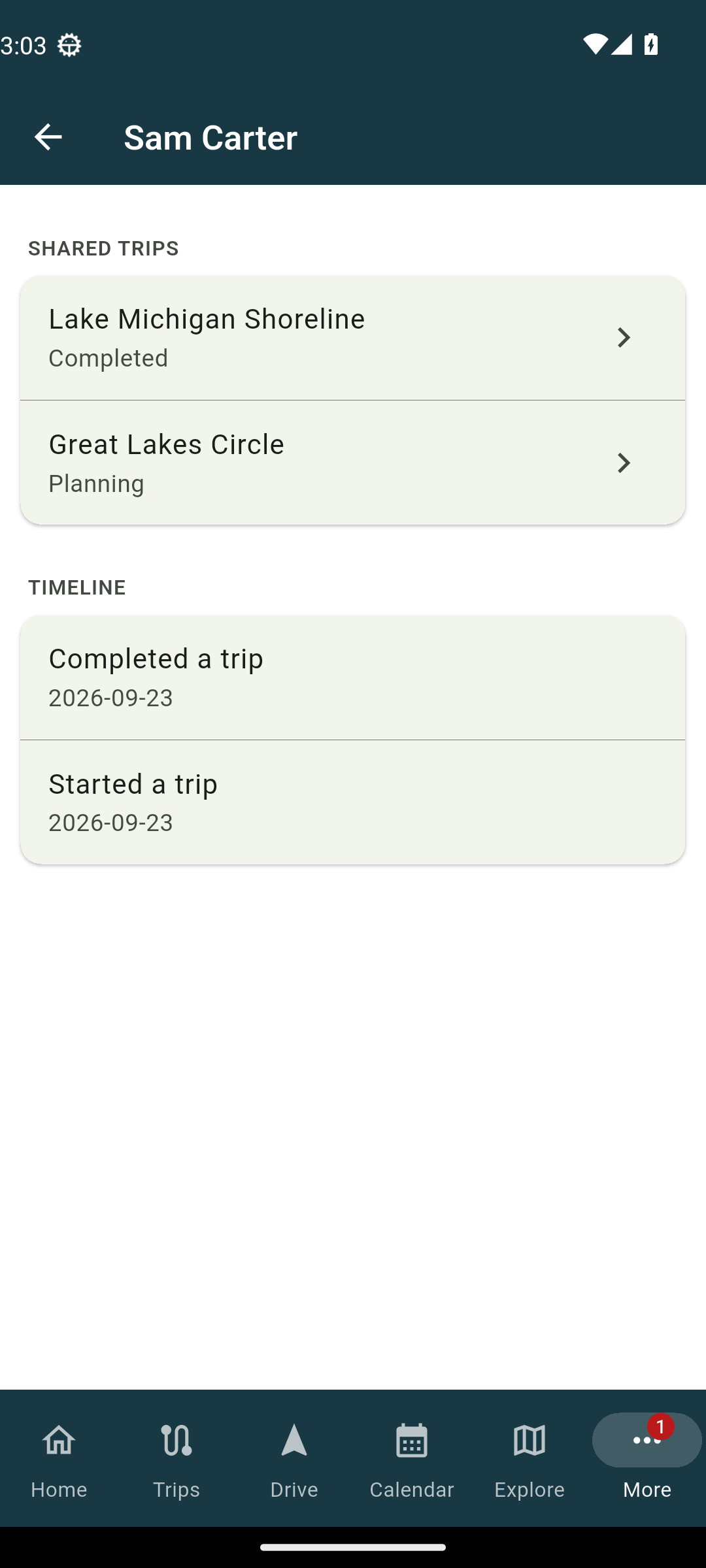
On the web, they are under Shared Trips on the friend's profile. On the phone, they are under Shared trips, and the profile also has a Timeline section.
What you can see
Open a shared trip and you see the route, the stops, the status and the visibility. It is read-only: nothing on the page can be edited, because it is your friend's trip, not yours.
Why some trips do not appear
You only see a trip if your friend set it to be visible to friends or to everyone. A friend picks that when they build the trip, and a private trip never shows here. For how that setting works and what each level shares, see the trip-creation article below.
Related
- Seeing where your friends are
- Adding friends
- Sharing your location with friends
- What friends see while you drive
- Creating a trip
Was this article helpful?
That’s Great!
Thank you for your feedback
Sorry! We couldn't be helpful
Thank you for your feedback
Feedback sent
We appreciate your effort and will try to fix the article