The friends map shows one pin for each friend who is sharing their location with you. If nobody is sharing yet, the map says so and points you to ask a friend to turn sharing on, or to turn it on for them.
The faded pin, explained
A pin whose position is more than a day old is drawn faded. This is the 24-hour rule, not a bug: it just means you are looking at an older fix. On the web the faded pin also carries a small label showing how long ago it was, and the panel adds (stale) beside the Last seen: line. A fresh pin is solid; an old one fades.
On the web
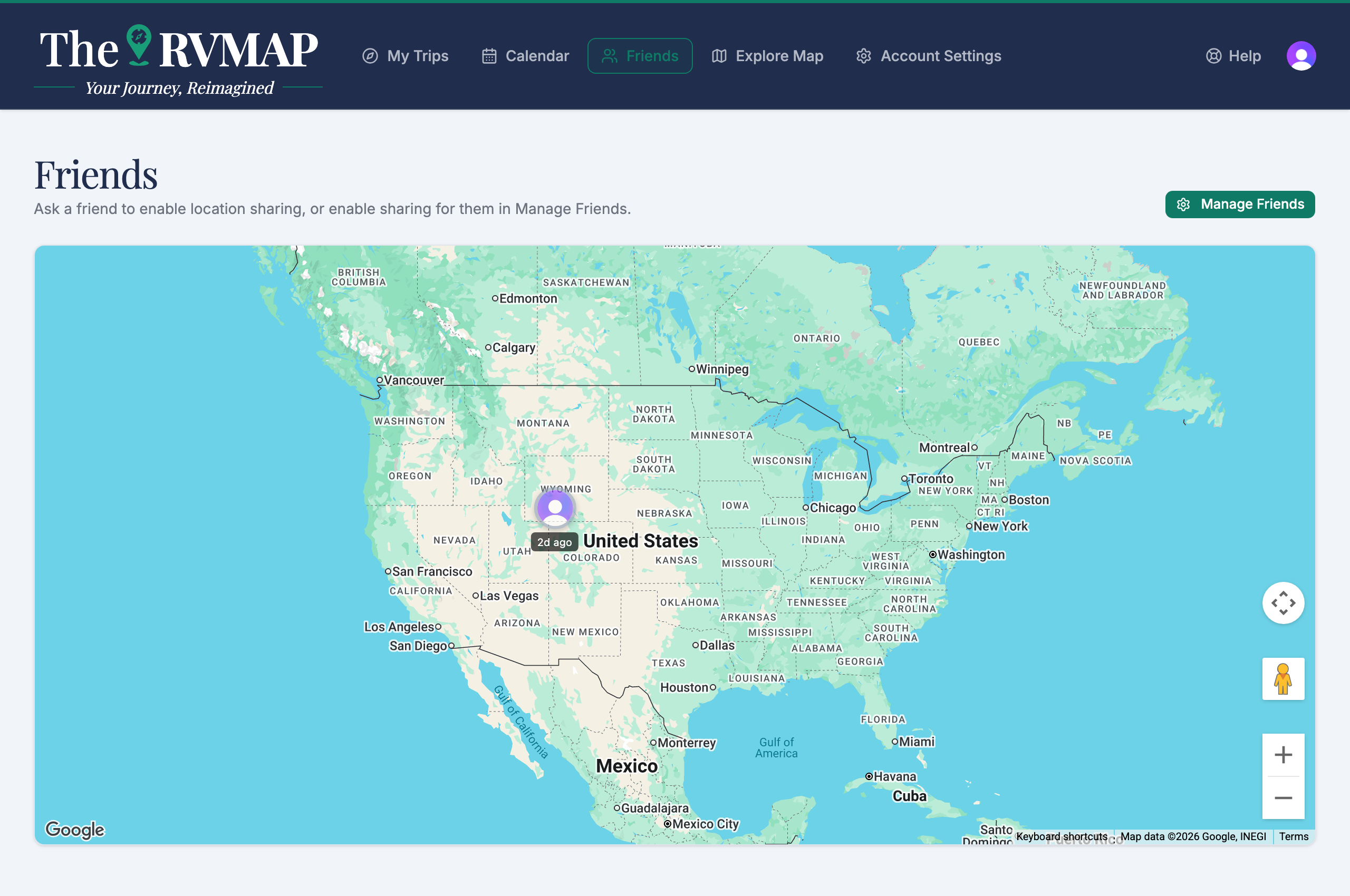
Tap a pin and a side panel opens. It shows the friend's last-seen time, their active trip and the day they are on, and a timeline of recent activity you can page through.
In the app
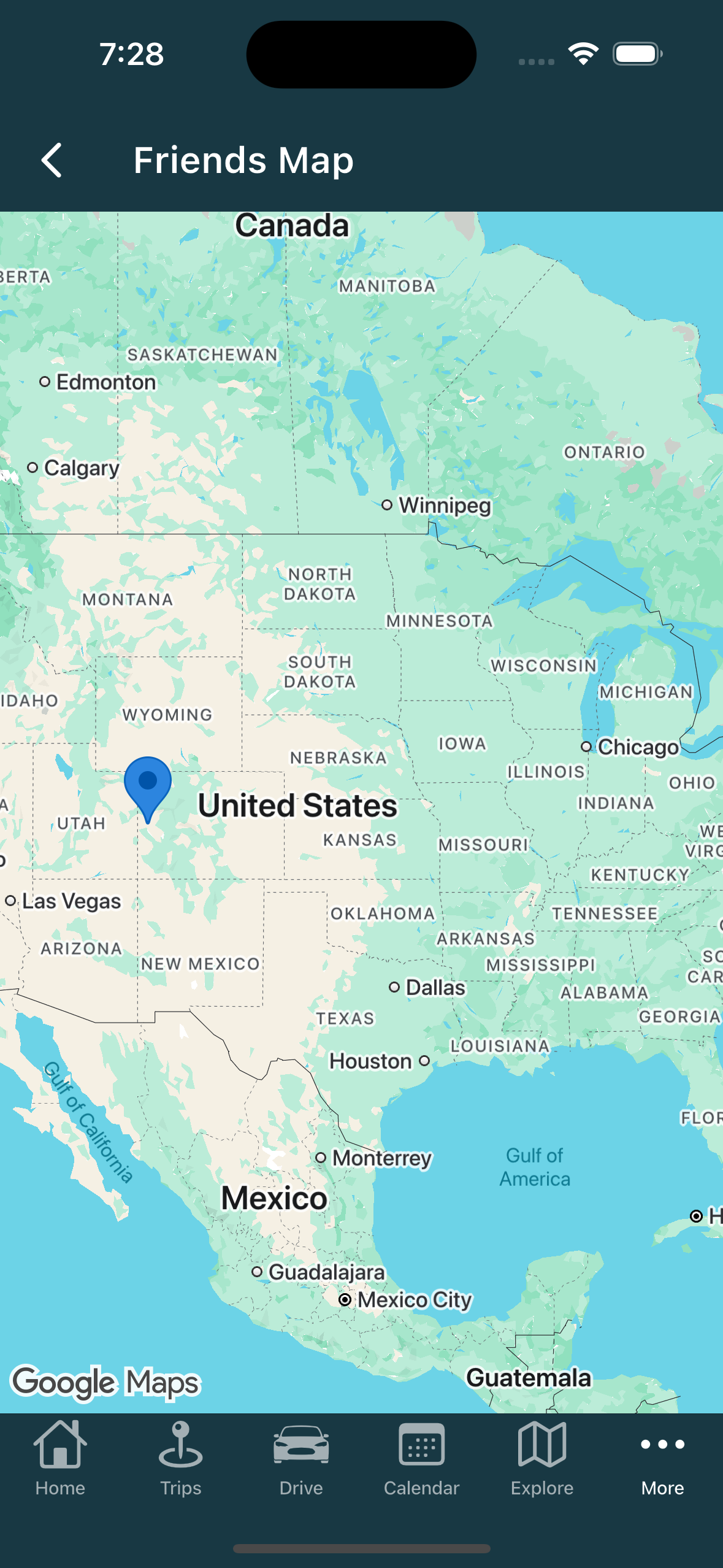
Tapping a pin goes straight to the friend's profile. There is no side panel on the map, no last-seen text and no timeline here; you read all of that on the profile instead.
Related
- Viewing a friend's trips
- Sharing your location with friends
- Sharing a live location link with family
- What friends see while you drive
- Creating a trip
Was this article helpful?
That’s Great!
Thank you for your feedback
Sorry! We couldn't be helpful
Thank you for your feedback
Feedback sent
We appreciate your effort and will try to fix the article