Location sharing is one master switch first, then a choice per friend. Start with the switch.
The master switch
The switch is Share my location. When it is off, your location is hidden everywhere: friends, family share links, and drive-mode reporting all stop. Turn that one switch off and nobody sees you, no matter what any other setting says.
Sharing with each friend
Under the master switch, every friend has their own on and off. Sharing goes one direction: turning it on for someone lets them see you, but it does not make them share back. They control their own switch.
On the web
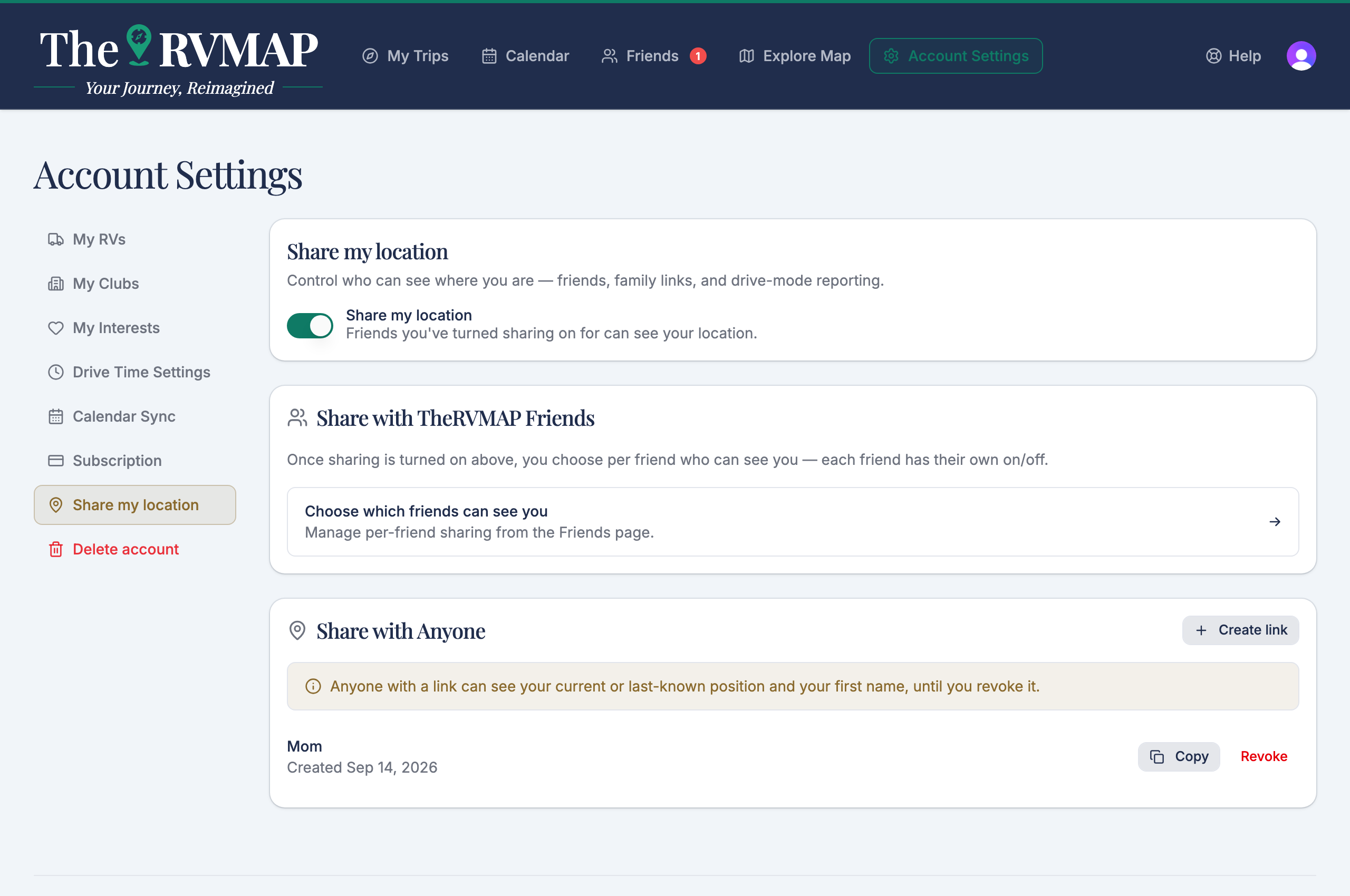
- Open Account, then the location-sharing page, and set Share my location on.
- Open your friends list and use each friend's Share location control to choose who can see you.
Note: on the web the per-friend controls stay clickable even when Share my location is off. They will not actually share you while the master switch is off, and the sharing page carries the warning, but the controls themselves do not grey out.
In the app
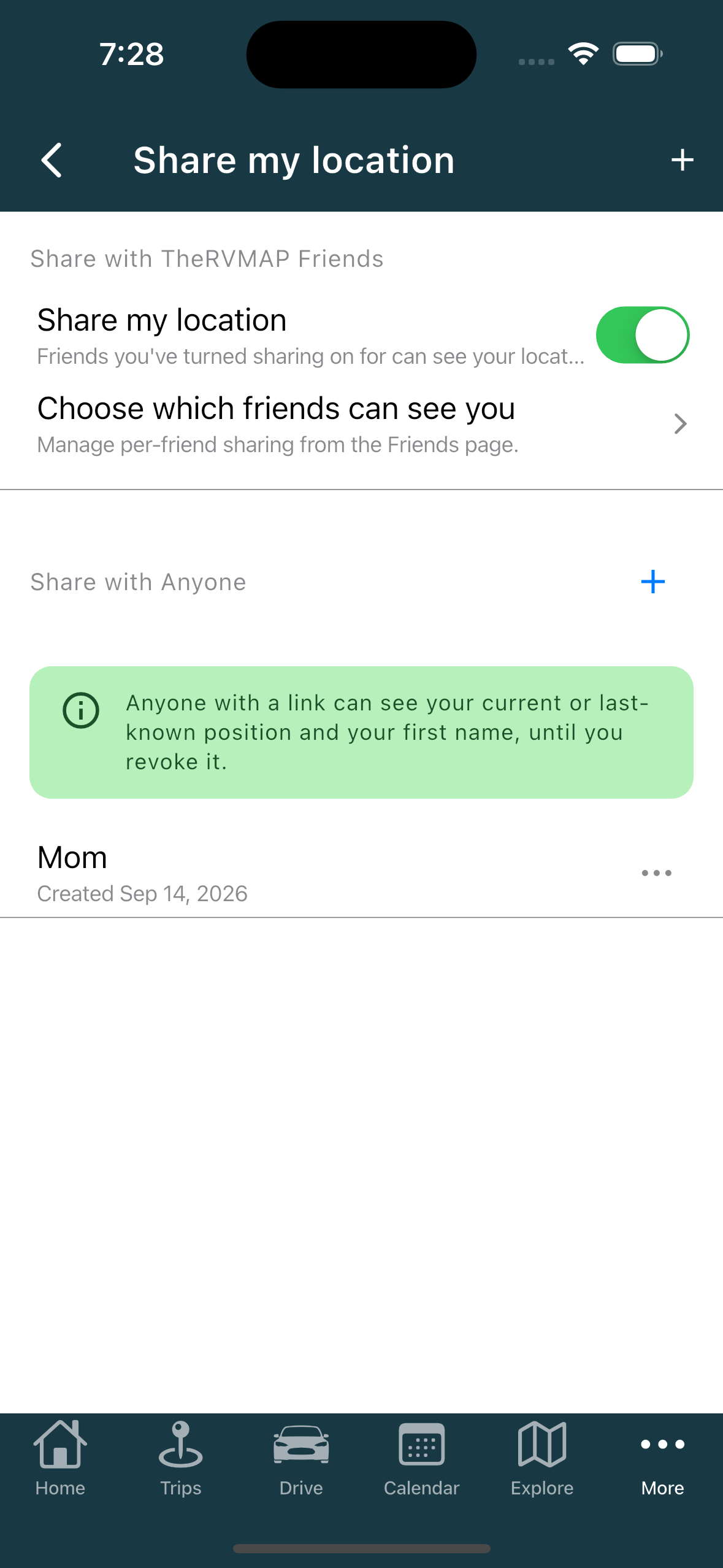
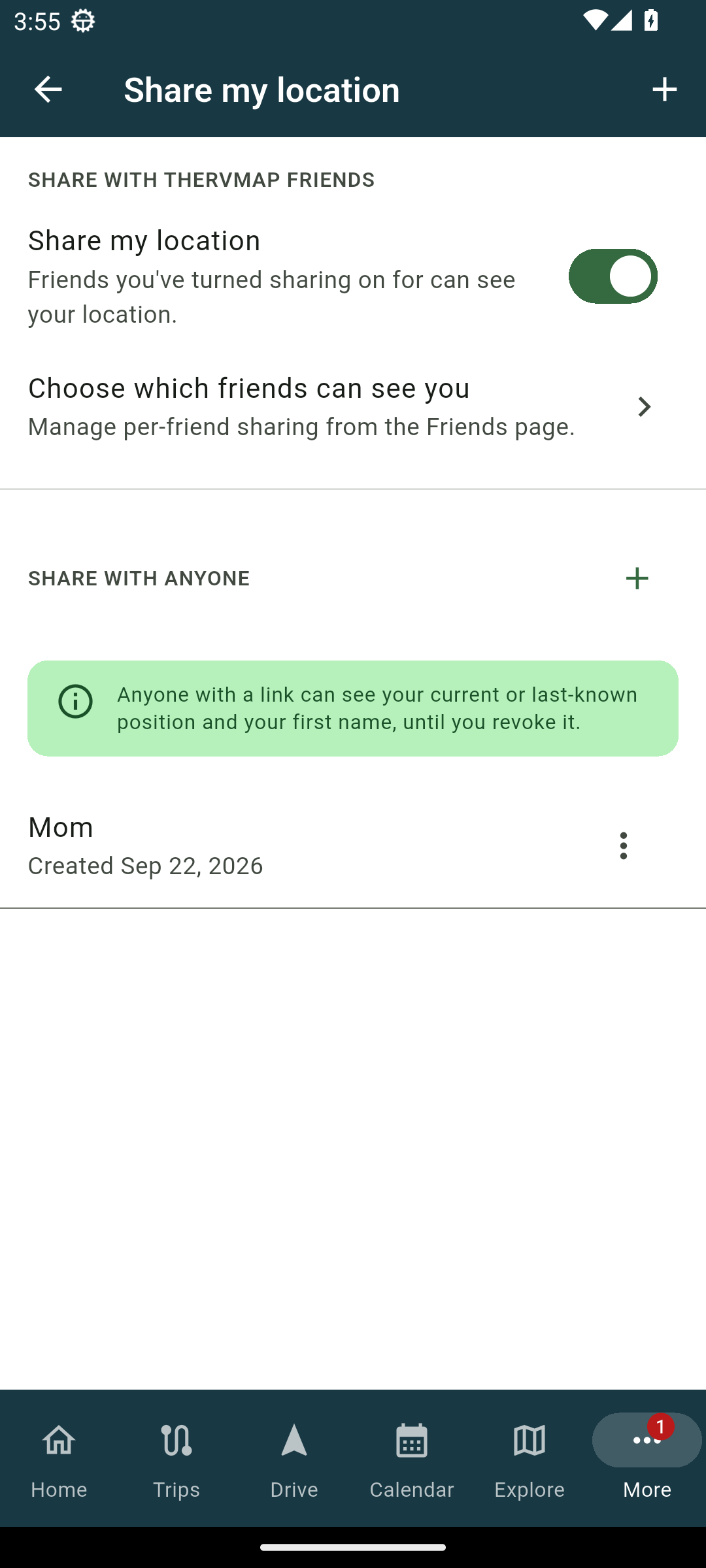
- Open Share my location and turn the master switch on.
- Turn on the friends you want in the list below it.
On the phone, when the master switch is off the per-friend switches are disabled and show "Sharing is off everywhere". Turn the master switch back on to use them again.
Related
- Sharing a live location link with family
- Seeing where your friends are
- What friends see while you drive
- Creating a trip
Was this article helpful?
That’s Great!
Thank you for your feedback
Sorry! We couldn't be helpful
Thank you for your feedback
Feedback sent
We appreciate your effort and will try to fix the article