This one works quite differently on the phone and on the web, so it is worth being plain about that up front.
In the app
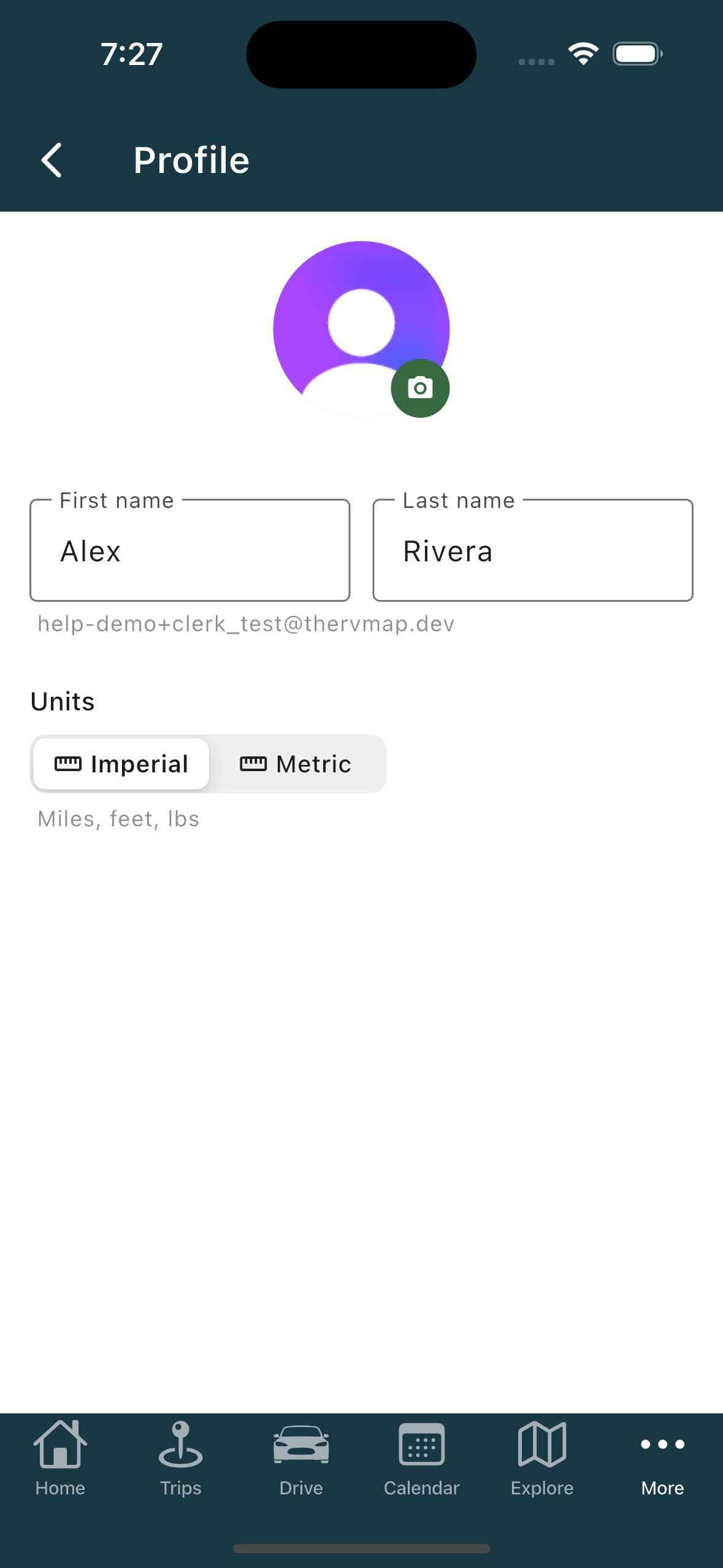
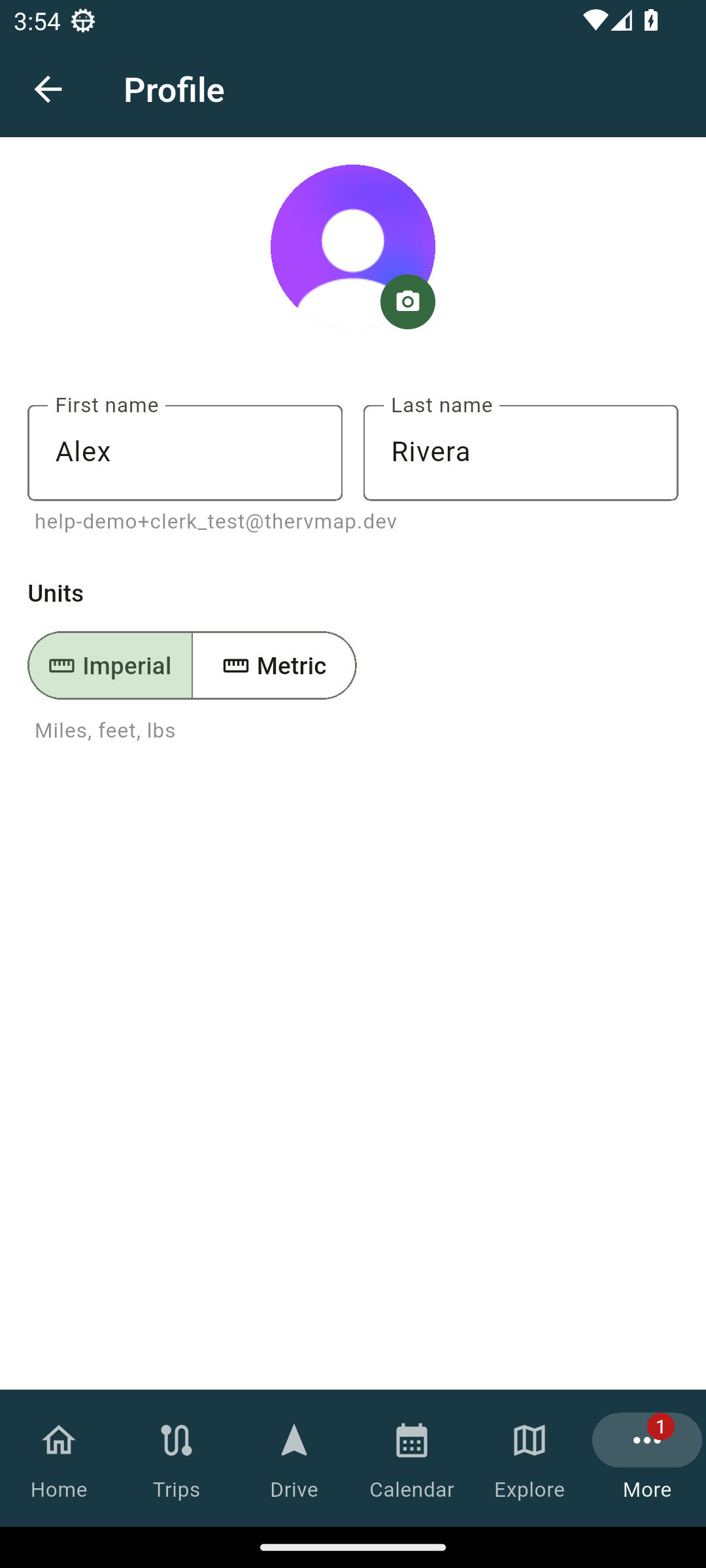
The phone has a Profile screen, reached from the More tab. There you can change your photo, your first and last name, and your units under Units (Imperial or Metric). There is no save button: names save when you tap away from the field.
On the web
The web has no profile page. To change your name or photo, open the account menu under your avatar and use the dialog that appears there, which belongs to your sign-in. It is the same sign-in you use to get into TheRVMAP.
Units on the web are not in the account menu. They live on the My RVs page, on the units switch there.
Related
- Adding your RV (and why the numbers matter)
- Getting help
Was this article helpful?
That’s Great!
Thank you for your feedback
Sorry! We couldn't be helpful
Thank you for your feedback
Feedback sent
We appreciate your effort and will try to fix the article