When something looks wrong, or you have an idea, sending feedback from inside the product beats email, because it quietly attaches the context we need to understand what you saw. You do not have to describe where you were; the form already knows.
On the web
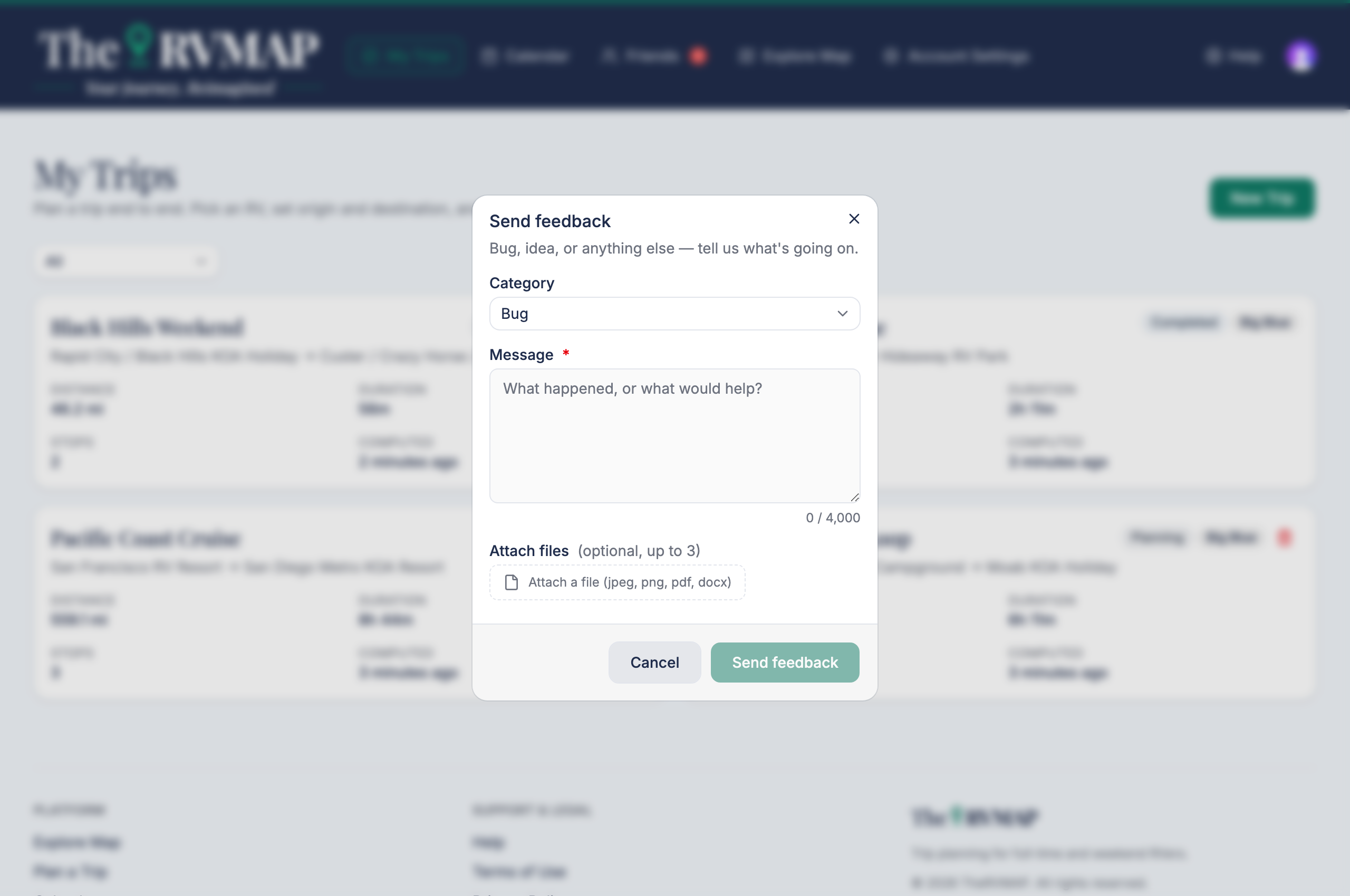
- Open the account menu under your avatar and choose Send feedback.
- Pick a category: Bug, Idea or Other.
- Write your message, up to 4000 characters.
- Attach up to three files if you like. Images up to 10 MB, documents up to 20 MB.
- Send it.
In the app
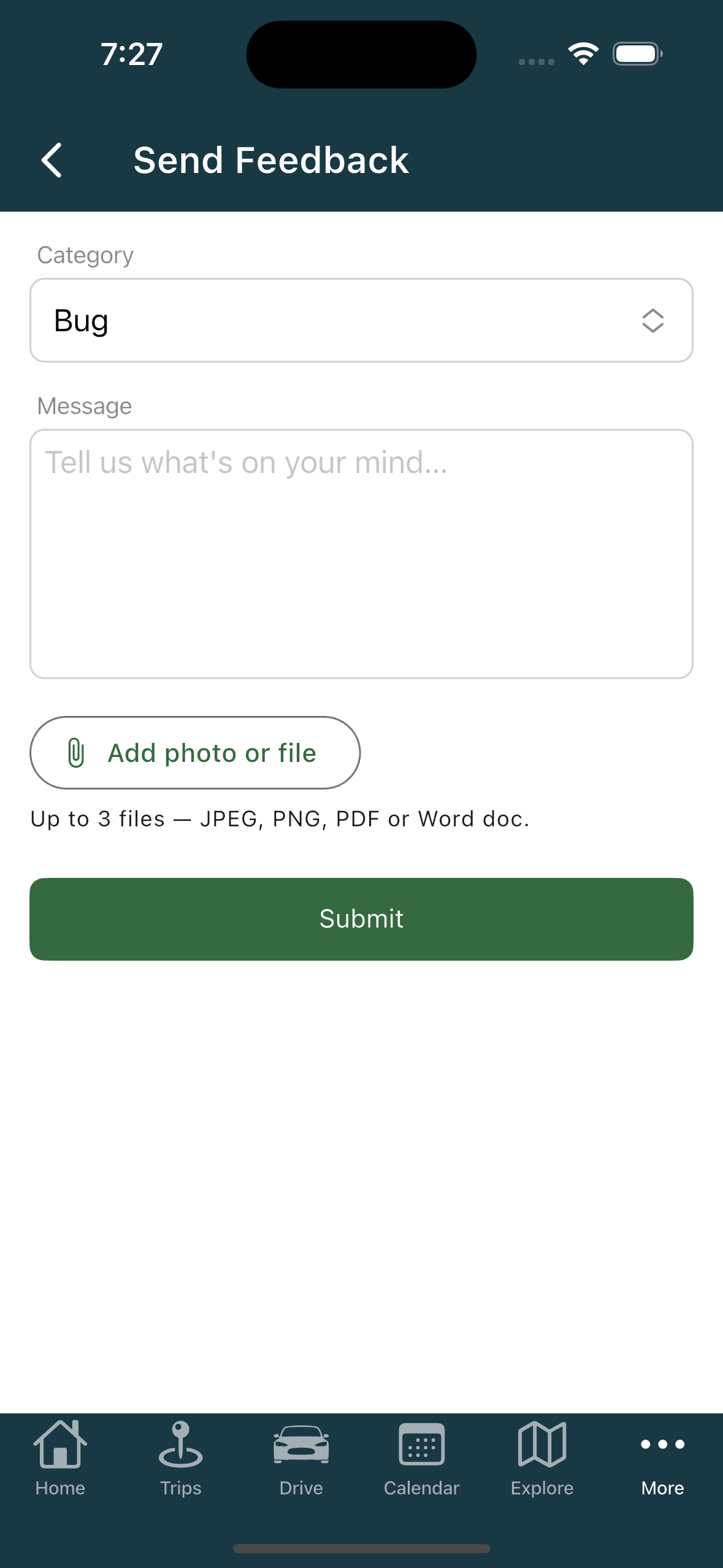
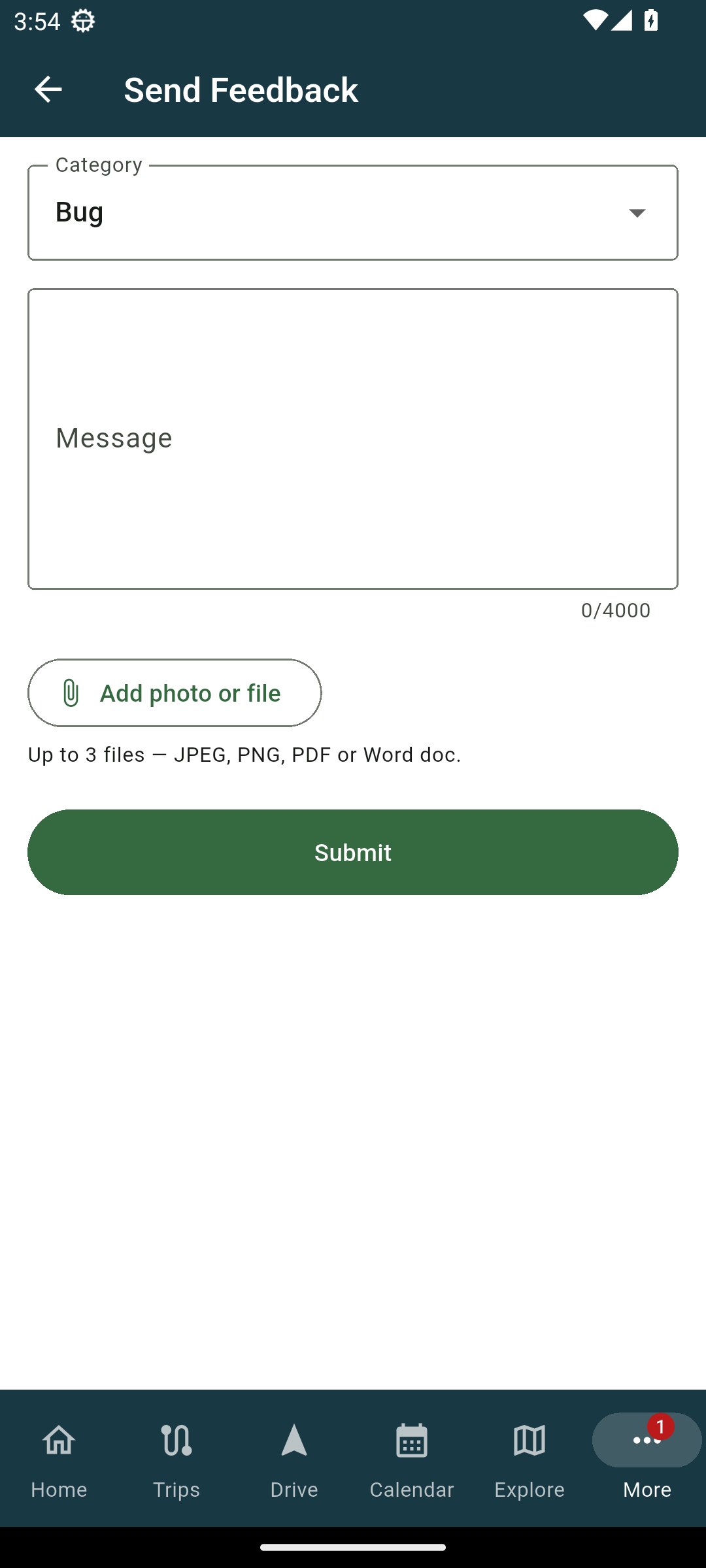
- On the More tab, tap Send Feedback.
- Pick Bug, Idea or Other, write your message (up to 4000 characters), and attach up to three files. You can also take a photo right there to attach.
- Send it.
What gets attached automatically
This is why the form is better than email. It sends along enough for us to find the problem, so you do not have to.
- On the web, it attaches the page you were on, that you were using the web, and your browser.
- In the app, it attaches the app version and build, your platform and its version, and the screen you came from.
Related
- Getting help
- Reporting a problem during the beta
Was this article helpful?
That’s Great!
Thank you for your feedback
Sorry! We couldn't be helpful
Thank you for your feedback
Feedback sent
We appreciate your effort and will try to fix the article