Weather and traffic can make or break a travel day, so you can lay both over your trip map and see what is waiting up the road.
Turning the layers on
Open the Layers control and switch on what you want:
- Weather forecast for your dated stops and along the route
- Current conditions right now
- Precipitation radar (US)
- Wind
- Weather alerts
- Traffic
The weather panel
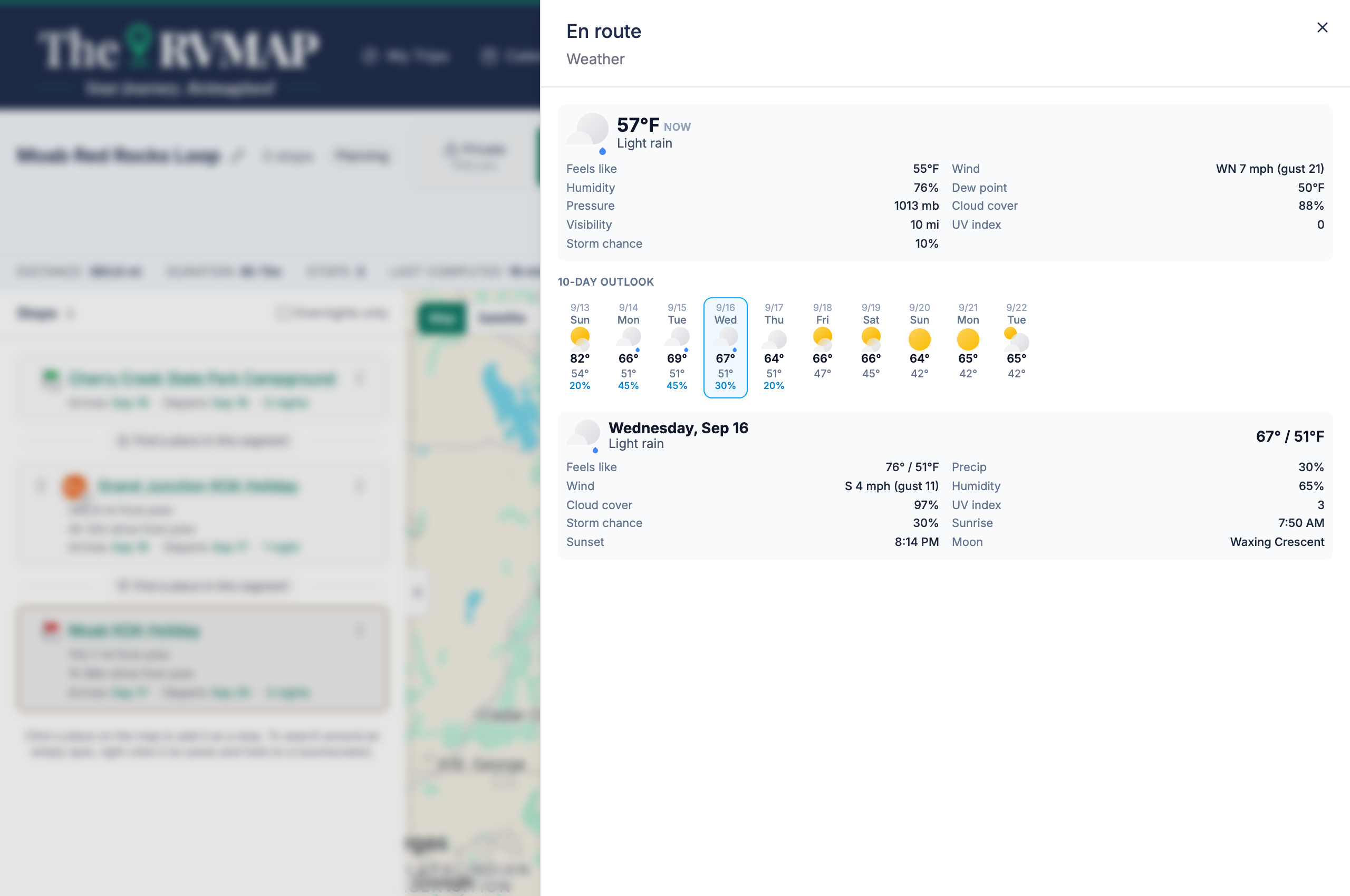
Tap a weather marker and a panel opens with the current conditions, a 10-day outlook, and any active alerts, so you can plan around a storm before you are sitting in it.
What your plan includes
Weather overlays and the traffic layer are part of Basic, Pro and Elite. Free doesn't include them. During the public beta, Pro is included for everyone.
On both the web and the phone, these rows stay visible even when they are locked, showing the reason and a link to upgrade rather than disappearing, so you always know they are there.
Related
- Map layers and measuring tools on a trip
- Choosing between route options
- Routing is built for your RV, but you are still the driver
Was this article helpful?
That’s Great!
Thank you for your feedback
Sorry! We couldn't be helpful
Thank you for your feedback
Feedback sent
We appreciate your effort and will try to fix the article